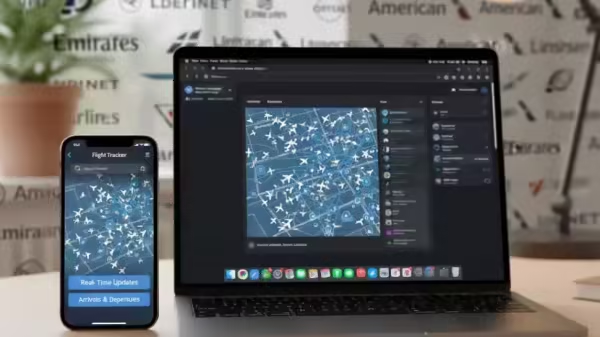
Track Flights Status: Imagine you’re on your way to the airport, juggling coffee in one hand and keys in the other, eager to pick up a loved one, friend, or family member. Instead of calling the airline or checking multiple websites, your iPhone or Mac quietly does the heavy lifting.
Apple’s flight tracking feature allows iPhone and Mac users to check a flight’s status quickly and easily within seconds. Its smart data detectors recognize flight numbers in Messages or Search and automatically display flight times, delays, and gate information.
All you need to do is type a flight number into Search or tap it in Messages to get real-time updates instantly. With this built-in tool, tracking arrivals and departures becomes simple, convenient, and effortless.
Add Zee News as a Preferred Source
How To Track Flights In Real-Time Via iPhone Messages
Step 1: When someone sends a flight number in Messages, iOS highlights it as a clickable link.
Step 2: Press and hold the highlighted flight number.
Step 3: A pop-up appears showing a map with the plane’s current location.
Step 4: Tap the “Preview Flight” button to see detailed flight information.
Step 5: Always include the full airline name with the flight number for accuracy.
How To Track Flights Using iPhone Search
Step 1: Open the Search bar from the Home screen.
Step 2: Enter your flight number (eg, “IndiGo 6E2307” or “Air India AI116”).
Step 3: View the flight details that appear.
Step 4: Use this information to stay updated and plan your travel.
How To Track Flights On Mac
Step 1: Press Command + Spacebar to open Spotlight on your Mac.
Step 2: Type the flight number in the search bar.
Step 3: View flight details like timing, location, and gate information instantly.
Step 4: To check from Messages, right-click an underlined flight number.
Step 5: Select “Preview Flight” to see the same detailed flight information.
Track Flights: Things To Keep In Mind
To get accurate flight details, always include the airline name along with the standard two-letter airline code and flight number, such as QP1801 for Akasa Air or 6E2307 for IndiGo. This method works for both domestic and international flights and only requires an active internet connection.
-
Ranveer Singh Did NOT Quit Farhan Akhtar's Don 3 After Dhurandhar's Massive Success: Report

-
Virat Kohli, Rohit Sharma centuries spark BCCI debate over forcing star players into Domestic Cricket

-
Hardik Singh in line for prestigious Major Dhyan Chand Khel Ratna Award, no cricketer chosen for Arjuna Awards, check out full list of nominations

-
Dharma Productions denies plagiarism claims on homebound, calls allegations…

-
Tourist in hospital after being bitten by huge eel in seaside town loved by Brits