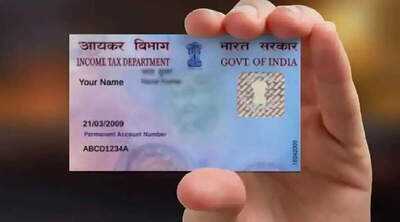
PAN Card Aadhaar Link: If your PAN and Aadhaar are not linked by December 31st, your PAN card may become inactive. This could halt several important tasks related to tax refunds, banking, investments, and loans. Here's how to link them.
Only a few days are left until the end of the year, and with it, a crucial tax-related task has reached its final deadline. If your PAN card is not yet linked to your Aadhaar, ignoring this news could be costly.
After December 31st, your PAN card may become inactive, which will disrupt many essential daily tasks. The government has clearly indicated that no further extensions will be granted. Linking PAN and Aadhaar has been made mandatory for this reason.
If you do not link your PAN to your Aadhaar by December 31st, your PAN will be considered inactive from January 1st. The PAN number will not be cancelled, but its use will become practically useless. You will face difficulties filing income tax returns, and any tax refund due may also be withheld.
The process of linking PAN and Aadhaar is quite simple. You just need to follow the correct steps. First, you need to go to the Income Tax e-filing website. Log in by entering your PAN number, password, and captcha. Upon logging in, you will see all the services related to your profile.
After logging in, go to the profile section. Here you will see the "Link Aadhaar" option. Clicking on this option will open a new page where you will have to fill in your PAN number and Aadhaar number. After entering the details correctly, proceed. The system will take you to the e-Pay Tax option for fee payment.
Now you will have to pay a fee of Rs. 1000. Through e-Pay Tax, you can make the payment using net banking, debit card, or other online methods. Once the payment is complete, a receipt will be generated. This step is crucial, as the linking will not be completed without paying the fee.
After payment, log in to the e-filing portal again. Then, go to the "Link Aadhaar" section and complete the linking process. After successful linking, a confirmation message will appear on the screen. Your PAN and Aadhaar will then be fully linked, and you will not face any further issues.
-
Know about the tradition of eating 12 grapes on New Year

-
Winter session of Delhi Assembly: ‘Sheesh Mahal’ CAG report will be presented on, Minister Kapil Mishra gave information
-
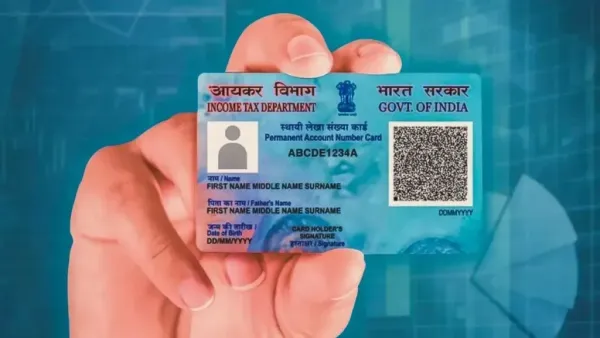
Just a chance till tomorrow: Your PAN card will become useless, complete these important tasks today itself.
-
Get relief from back pain in winter, 8 top-rated heating pads for the elderly

-
Top Benefits of Facebook for Your Business Growth