Friends, in today’s modern era, WhatsApp is the most popular instant messaging app in the world, through which you can send messages, videos, photos to each other, can make video calls, that is why it has more than 3 billion users in the whole world, WhatsApp offers many features for these users, such a feature is a similar feature, which has a similar feature, which is a feature of your phone. Is. If it is kept on, then this feature can fill your device quickly with unwanted photos and videos, let’s know how to manage it-
What is media visibility feature?
This option decides whether the media files you get on Whatsapp (photos, videos, GIF) will automatically appear in your phone’s gallery.
By default, if it is on, every obtained file is saved on your device – which reduces storage space over time.
Why should you stop it?
This prevents your gallery from filling with unnecessary files.
Saves your phone’s precious storage.
Keeps your personal gallery more private and organized.
How to stop media visibility for all chats
Open Whatsapp and go to Settings.
Tap on chats.
Find media visibility options and close it.
How to turn it off for personal chat
Open the chat where you want to shut down media visibility.
Tap in the name of the contact or group at the top.
Scroll down to find media visibility and close it.
Disclaimer: This content has been sourced and edited from (TV9Hindi)
-
It is not enough to be only Lakshmichele, teach the child to understand the situation of the pocket from an early age like this

-
When the red carpet became a bakery! Star stole the limelight at the awards show wearing a dress made of bread, her unique look became a topic of discussion

-
6 Power-Packed High-Protein Dosa Recipes For A Healthy Start To The Day

-
Google Down: Google search suddenly stopped, thousands of users are in trouble
-
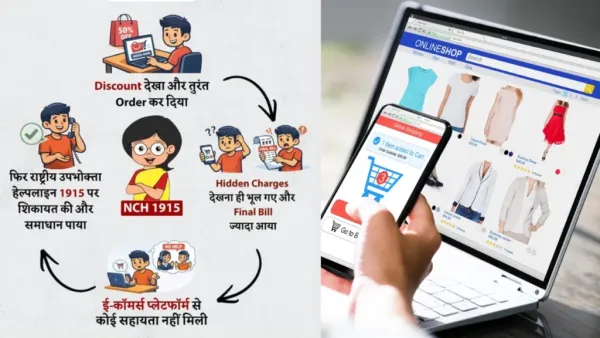
Buying it thinking it is cheap may turn out to be expensive! Government alerts regarding online shopping!