Want to bring your favorite YouTube Music or Apple Music playlists directly to Spotify? Now, Spotify has introduced a feature that doesn't require any third-party apps. In just a few taps, your entire playlist will be transferred to Spotify. Let's find out how...
Spotify has launched a major and game-changing feature in the world of music streaming. Now, users can transfer their playlists from YouTube Music, Apple Music, Amazon Music, and many other platforms directly to Spotify. Fortunately, this no longer requires any third-party apps or paid tools. This new feature is based on integration with TuneMyMusic, which copies entire playlists to Spotify in just a few seconds. This will be a great relief for users who have built their favorite playlists over the years and want to switch to Spotify for any reason.
How to Transfer a Playlist?
The biggest highlight of this feature is its ease of use. Users simply need to open the Spotify app, go to 'Your Library,' and scroll down to the 'Import your music' option. Upon tapping it, the app walks users through the entire process through on-screen steps. This involves connecting to TuneMyMusic, choosing your service, such as Apple Music, YouTube Music, or Amazon Music, and then selecting the desired playlist. Your old playlists will appear in Spotify's library in no time. Spotify stated that this feature is being rolled out gradually worldwide, so if someone doesn't see this option yet, they will.
Why is this feature useful for Spotify users?
This move by Spotify not only increases user convenience but also provides competition in the streaming market. Previously, the free version of TuneMyMusic only allowed the transfer of 500 songs, but Spotify's in-app integration has removed this limit. This means that whether your playlist contains 500 or 5,000 songs, they can all be transferred to Spotify at once. Furthermore, as soon as the playlist is transferred, Spotify's personalization engine begins to understand your music tastes. This means that features like Daylist, Discover Weekly, and Release Radar will be more tailored to your preferences from the start.
-
OnePlus Pad Go 2 To Launch In India Alongside OnePlus 15R On December 17: What To Expect
-
Nothing OS 4.0 Rolling Out To Phone 3a and Phone 3a Pro Users: What's New & How To Update
-
RPSC Assistant Professor Exam City Intimation Slip 2025 Out; Details Here
-
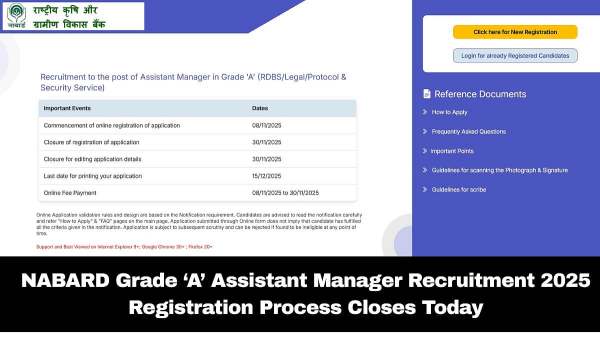
NABARD Grade ‘A’ Assistant Manager Recruitment 2025: Registration Process Closes Today; Check Eligibility Criteria Here
-
Facing Corruption Cases, Israeli PM Benjamin Netanyahu Submits Pardon Request to President Herzog