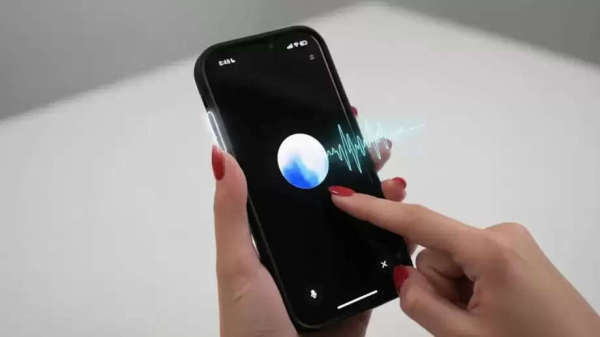
Have you been wanting a better and faster voice assistant to replace Siri on your iPhone? OpenAI is now fulfilling your wish. Yes, ChatGPT, with its latest iOS update, has added a new shortcut to the existing Action button for iPhone 15 Pro and later models, allowing you to directly access ChatGPT's voice mode.
This means that with just a single button press, you can interact with ChatGPT's voice mode and ask it any question. Compared to Siri, the ChatGPT voice assistant is far superior.
No need to even open the app.
The Jagran team has also tested this feature on their iPhone 16 Pro, and it works quite well. Accessing ChatGPT's voice mode from the Action button significantly improves it. This can save you a lot of time and allow you to start a voice chat directly without opening the app. Even though Apple has locked Siri at the system level, this feature gives you the option to set up a separate assistant, which can make many of your tasks easier.
How to set up ChatGPT voice assistant on iPhone?
First, download the ChatGPT app from the App Store and log in.
After that, open iPhone Settings and tap the Action Button.
From here, click the 'Choose Control' icon next to the existing shortcut in the Controls section.
Then type ChatGPT in the search bar.
From here, you can set the toggle to Open ChatGPT Voice.
Disclaimer: This content has been sourced and edited from Zee Business. While we have made modifications for clarity and presentation, the original content belongs to its respective authors and website. We do not claim ownership of the content
-
Former Home and Away star Alea O'Shea, 25, diagnosed with brain cancer after uneven smile and numbness

-
ByteDance rolls out AI voice assistant for Chinese smartphones

-
Apple trying to stall India antitrust case by challenging penalty law: CCI

-
Account aggregator Finvu secures $15 million from WestBridge Capital, existing investors

-
US colleges record 5% growth in international students, India leads the surge