If you're getting too many spam calls on WhatsApp and you're getting frustrated, there's an option to get rid of these calls. Spam calls often raise fears of fraud, hacking, or crime. In such situations, a simple feature in WhatsApp can help. We typically only use numbers we know or have saved on WhatsApp.
Sometimes, calls come from numbers you don't recognize and aren't saved on your phone. These spam calls cause the most trouble during work, meetings, or leisure time. So, we'll tell you about a feature that eliminates the need to block numbers. This feature is called "Silence Unknown Callers," which allows you to easily silence these spam calls.
What is the "Silence Unknown Callers" feature?
WhatsApp's "Silence Unknown Callers" feature silently silences calls from unknown numbers without ringing them. These calls will only be visible to you in your call log and notifications. If needed, you can call that number back later. This feature reduces the noise of unwanted calls and prevents you from missing important calls.
How to turn on the feature?
Activating this setting is very easy. First, open WhatsApp and tap the three dots in the top right. Now, go to WhatsApp Settings and click on Privacy. Scroll down to the Calls section and turn on the "Silence Unknown Callers" toggle. Now, calls from numbers not saved in your contact list will not ring your phone.
What to keep in mind?
If you call or message an unknown number yourself, calls from that number will not be silenced. If you want to completely block a number, use the Block feature. With this feature, calls remain saved in the call list even when they are silent. So, if needed, you can check them at your convenience. WhatsApp's "Silence Unknown Callers" feature gives users greater control. It eliminates the disturbance caused by unknown calls and also keeps a record of important calls. If you're bothered by unwanted calls, be sure to turn this feature on.
Disclaimer: This content has been sourced and edited from Amar Ujala. While we have made modifications for clarity and presentation, the original content belongs to its respective authors and website. We do not claim ownership of the content.
-
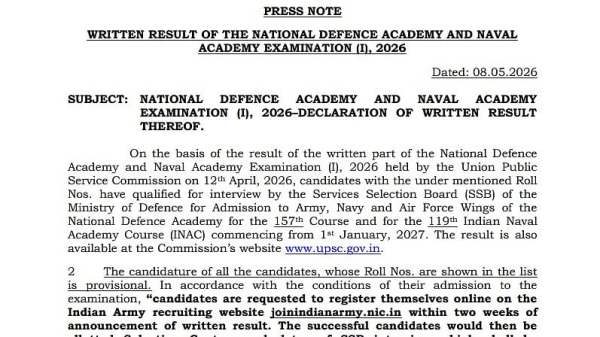
UPSC NDA 1 Result 2026 Declared At upsc.gov.in; Qualified Candidates To Appear For SSB Interview
-
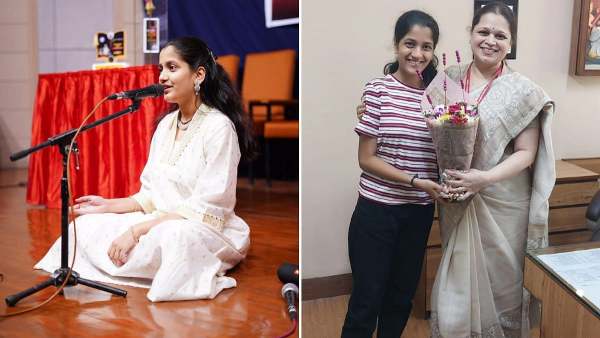
'I Was Expecting Above 95, Not 100%': Thane Classical Singer Sragvi Barve Scores Perfect SSC Result, Eyes NEET And Career In Ophthalmology
-
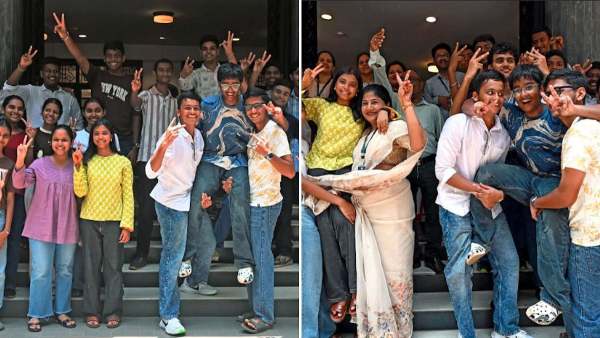
Maharashtra SSC Result 2026 Declared: Pass Percentage Drops To 92.09%, Konkan Tops, Girls Outshine Boys As Anti-Copying Measures Tighten
-
Prince William is all smiles as he joins Sir David Attenborough for special birthday event

-
Add one thing to pasta sauce to make it taste richer