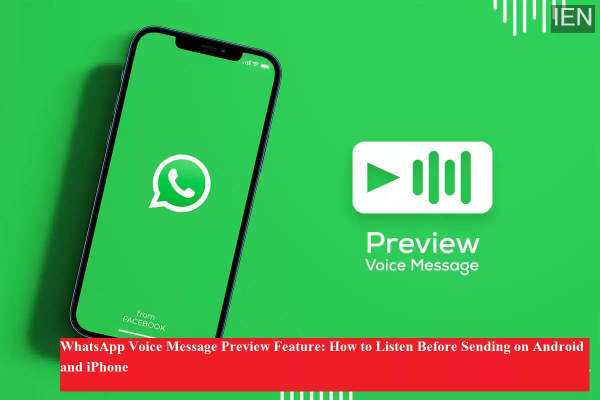
WhatsApp continues to enhance the user experience by introducing features that make communication more convenient and error-free. One such useful update is the Voice Message Preview feature, which allows users to listen to their recorded voice notes before sending them. This feature is especially helpful for those who often send long voice messages and want to avoid mistakes, unclear audio, or accidental recordings.
Earlier, once a voice message was recorded and sent, there was no option to preview it. Users had to delete the message blindly if they felt something went wrong during recording. With this update, WhatsApp has addressed a long-standing user demand, making voice communication more controlled and reliable.
What Is WhatsApp Voice Message Preview?
The voice message preview feature lets users play back their recorded voice note before sharing it in individual or group chats. After recording, WhatsApp displays a built-in audio player, giving users the option to listen, pause, replay, send, or delete the message.
This feature is available on both Android and iOS devices and works for personal as well as group conversations.
How to Preview Voice Messages on WhatsApp: Step-by-Step Guide
Follow these simple steps to preview a voice note before sending it:
-
Open the WhatsApp app on your smartphone.
-
Go to the individual chat or group chat where you want to send the voice message.
-
Tap and hold the microphone icon at the bottom-right corner.
-
Slide your finger upwards to enable hands-free recording.
-
Record your voice message clearly without holding the screen.
-
Once finished, tap the stop button.
-
A voice message player will appear on the screen.
-
Tap the play icon to preview the voice note.
-
If satisfied, tap Send. If not, tap the delete icon to discard it.
This simple process ensures that your message sounds exactly the way you want before it reaches the recipient.
Why This Feature Is Useful
The voice preview option brings several advantages:
-
Helps avoid sending incorrect or incomplete voice notes
-
Useful for professional and formal communication
-
Reduces misunderstandings caused by unclear audio
-
Saves time by eliminating the need for follow-up corrections
Whether you are sharing instructions, personal updates, or official messages, this feature adds an extra layer of confidence.
Availability and Updates
WhatsApp rolled out this feature gradually after testing it in beta versions. It is now available to most users running the latest version of the app. To ensure access, users should keep their WhatsApp application updated through the official app store.
-
Suryakumar Yadav Enters Parenthood; Couple Welcomes First Child

-
Suryakumar Yadav And His Wife Devisha Blessed With Baby Girl

-
Teen Sensation Ira Jadhav Becomes Costliest Buy At First-Ever T20 Mumbai Women’s League Auction As MCA Ushers In New Era For Women’s Cricket

-
‘We Will Get Better And Stronger As The Games Go By’: Punjab Kings Spin Bowling Coach Sairaj Bahutule Eyes Comeback During Home Leg

-
West Bengal Madrasah Board To Declare High Madrasah, Alim And Fazil Results Tomorrow At 2:30 PM; Check Details Here