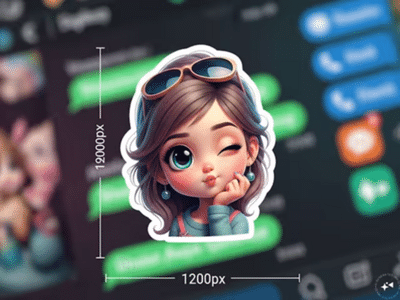
Google is constantly adding new and creative features to its apps. Now, Google Photos has received a fun new feature called Me Meme. This feature allows users to transform their own photos into memes using artificial intelligence (AI). Google announced this feature in October 2025, but its rollout has only begun now, almost three months later.
The Me Meme feature joins other tools in Google Photos that aim to give users a fun way to interact with their memories. Previously, the app added features like editing, video creation, collages, and remixes.
How does the Me Meme feature work?
Me Meme is entirely under the user's control. This means Google won't automatically create memes from your photos. The user has to select a photo themselves. The app then fits that photo into popular meme templates. These templates already have humorous text, which you can change if you wish.
Users can also write their own text or even upload their own meme style. This feature is specifically designed for sharing with friends and for lighthearted fun.
What does Google say about privacy?
Google has clarified that the Me Meme feature is secure in terms of privacy. It only works on photos that the user selects. This feature does not run automatically in the background. Any meme created remains within the Google Photos app until the user saves or shares it.
However, Google has not yet clarified whether the created memes will take up storage space, but typically, such files are saved as new images.
How to create a meme with Me Meme?
Creating a meme with Me Meme is quite easy:
Open the Google Photos app on your phone.
Choose a clear and good-quality photo.
Tap on the Create or Meme option.
Select your preferred meme template.
Edit the text and create your meme.
Currently, this feature is only available in the US. Hopefully, Google will roll it out to other countries in the future.
Disclaimer: This content has been sourced and edited from NDTV India. While we have made modifications for clarity and presentation, the original content belongs to its respective authors and website. We do not claim ownership of the content.
-
New Renault Duster vs Hyundai Creta vs Kia Seltos vs Tata Sierra
-
CBSE CTET Admit Card 2026 Expected To Be Out Soon At ctet.nic.in, Here's How To Download
-
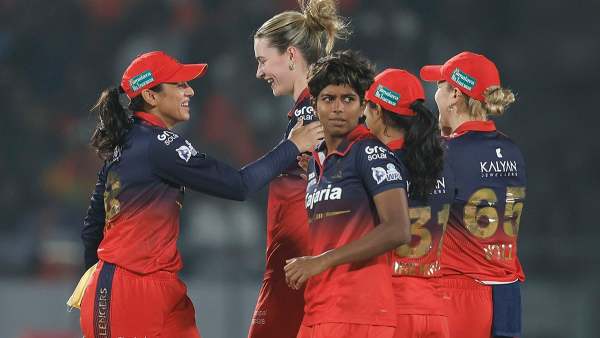
WPL 2026: Lauren Bell Strikes Early As RCB Opt To Bowl Against Mumbai Indians
-
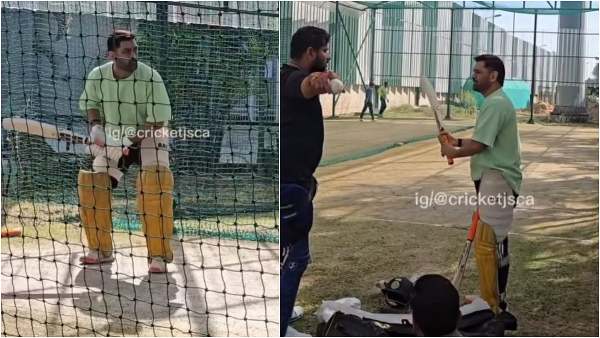
MS Dhoni Begins Batting Practice Ahead Of IPL 2026 As CSK Eye Sixth Title
-
India's 77th Republic Day: Army Public School Narangi Celebrates R-Day With Patriotic Fervour & Civic Commitment