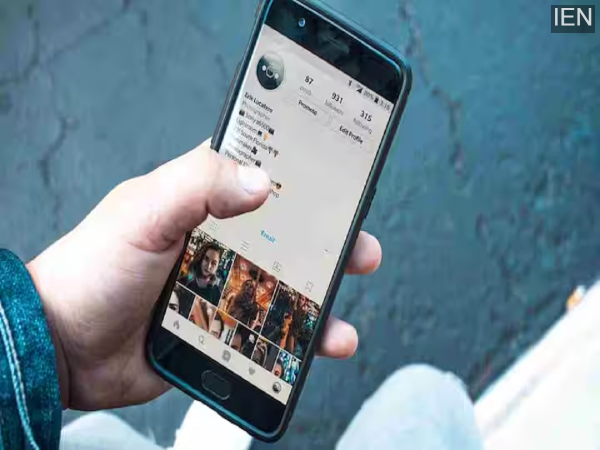
Smartphone Tips: Nowadays, not only smartphones, but also smartwatches, tablets, and laptops all run on touchscreens.
As technology has advanced, touchscreens have become smoother, faster, and more user-friendly. When it comes to mobile phones, displays have not only become larger, but a thin black line at the bottom of the screen has also become common. Many people think it's just part of the design, but the reality is quite different.
Until a few years ago, phones had a physical home button at the bottom. As screen sizes increased and bezels became thinner, companies started removing the button and adopting gesture navigation. This black line at the bottom of the screen is a result of that change. According to professional UI and UX experts, this line is present in almost every modern smartphone today. It has been present in iPhones for a long time, and now it's found in almost all Android phones as well, especially in major brands like Google and Samsung.
In iPhones, this line looks almost the same in every model, while in Android phones, its functionality may vary slightly depending on the phone model and Android version. But its real purpose is the same on both platforms. This line is essentially the digital version of the old home button, and it has become the easiest way to control the phone.
With the help of this black line, you can operate your phone without any physical buttons. If you are in an app and want to return to the home screen, simply swipe up from the bottom. Minimizing open apps or switching between apps is all done through this line. For example, if you were using WhatsApp and then opened the Photos app, you can easily switch between the two apps by swiping left or right on this line.
It is also called the home indicator bar, gesture bar, or navigation bar. The only difference is that you no longer need to press buttons; the entire phone can be controlled with just a light touch of your fingers. If you swipe up from the bottom of the screen and hold your finger for a moment, all recently opened apps appear together, making multitasking even easier.
The basic functionality is the same on both iPhones and Android phones, but there are some minor differences. On Android phones, you can swipe from any edge of the screen to go back, while on iPhones, you have to swipe from left to right to go back. This gesture system proves quite beneficial for those who use multiple apps simultaneously.
-
Watch: Bike catches fire at Cable Bridge in Hyderabad, traffic disrupted

-
High Courts reserving judgement for months an ‘ailment’: SC

-
Hidden Myths of Strength: How Hindu Goddesses Survived Impossible Tests

-
Arjun Kapoor: ‘Life’s been kinda cruel to me lately’

-
'Exit India': SC warns Meta over WhatsApp's privacy policy