

WhatsApp's new IP Protect feature enhances privacy by hiding your IP address during calls. This feature routes calls through WhatsApp servers, making it difficult to track your location. Here's a step-by-step process to enable this feature.
In today's digital age, privacy has become a paramount need. With the aim of keeping our location and personal information safe even during calls, WhatsApp has introduced a new privacy feature called IP Protect. This feature makes WhatsApp calls even safer and more secure. Let's learn more about this feature and how to activate it.
What is the WhatsApp IP Protect feature?
IP Protect is a new privacy feature that hides your IP address from the other user during a WhatsApp call. When this feature is enabled, the call is not made directly between the two devices but is routed through WhatsApp's servers.
Benefits of the IP Protect feature
Users get several benefits from using this feature:
- Your IP address remains hidden during calls.
- It will be difficult to track your location.
- An extra layer of security is added to WhatsApp calls.
How to enable the WhatsApp IP Protect feature?
If you want more privacy during calls, you can easily enable this feature.
- Open the WhatsApp app on your phone.
- Click on the three dots in the upper-right corner.
- Then go to Settings.
- Click on the Privacy option.
- Scroll down to the Advanced section.
- Click on "Protect IP address in calls" to turn it on.
Important Note
When this feature is enabled, your calls are routed through WhatsApp servers. Because of this, there might be a slight impact on call quality. However, this impact is very minor, and your privacy remains much more secure.
-
Ajinkya Rahane lauds Varun Chakaravarthy for stepping up in tough moments after poor start: ‘He was struggling before’

-
Over 4 million Real Madrid fans sign petition demanding Mbappe’s exit

-
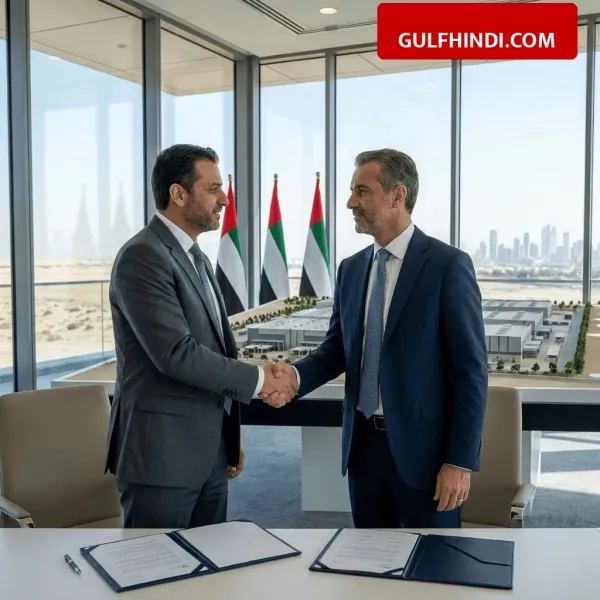
Big decision of UAE, Al Selmiyyah Defense Industrial Free Zone will be built in Abu Dhabi, there will be a big change in the defense sector.
-
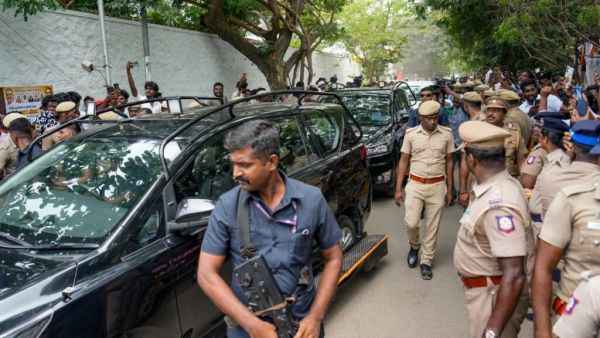
Resort politics begins in Tamil Nadu; Vijay moves TVK winners to Mamallapuram hotel- The Week
-
Vietnam’s top leader To Lam welcomed in New Delhi with 21-gun salute