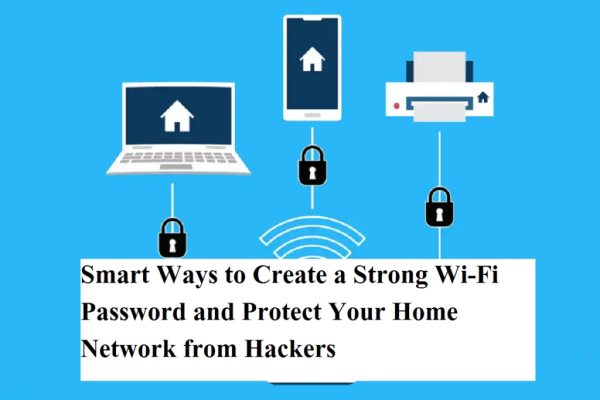
In today’s time, Wi-Fi has become an important part of our lives. Education, job, banking, online shopping and entertainment—everything depends on the Internet. But often people ignore the security of Wi-Fi password.
A weak password makes your network an open invitation to hackers and strangers. Anyone can misuse your internet access, change router settings or send you to dangerous websites.
Therefore, it is very important to create a strong and secure Wi-Fi password. The simple tips below will help you create a strong password.
Why is a strong Wi-Fi password important?
If someone breaks into your Wi-Fi network, they:
- your internet can be stolen
- Can change network settings
- password can be changed
- Can monitor your online activities
- Could send you to a virus or phishing site
- may harm your personal information
That is why it is very important to make the password strong.
Ways to create a strong Wi-Fi password
1. Choose unique and difficult passwords
Don’t use simple words. Create a password that no one can easily guess. Mix letters, numbers and special symbols.
Wrong example:
Correct example:
2. Do not use the same password again and again
Using the same password multiple times is dangerous. If one account is hacked then all the other accounts become at risk. Keep a separate password for Wi-Fi.
3. Avoid personal information
Don’t include these things in your password:
- date of birth
- pet’s name
- name of spouse
- mobile number
- Address
This information can be easily found on social media.
4. Keep passwords long and complex
at least 12 to 16 characters Create a password that includes:
- Capital letters (A–Z)
- small letters (a–z)
- numbers (0–9)
- Special symbols (@, #, $, %)
Example:
WiFi@Safe#2026
5. Create a password that’s memorable
The password should not be so difficult that you forget it yourself. Create a password by changing a sentence.
As:
“My WiFi is secure” → Mera@WiFi#2026
Additional tips for Wi-Fi security
- Change password every few months
- Keep WPA2 or WPA3 security on
- Keep WPS Off
- Do not share password with many people
- keep router updated
- Keep Wi-Fi name (SSID) unique
avoid these mistakes
- Easy password like 123456
- make password public
- Use the router’s default password
- Not changing password for a long time
A strong Wi-Fi password is your first wall of digital security. If you create the password correctly and keep changing it from time to time, your network will remain safe from hackers.
A little caution can make your internet safer. By adopting a strong password you can protect both your data and privacy.
-
RCB Vs DC, WPL 2026 Final: Captain Smriti Mandhana Smashes Records With 23-Ball Fifty In Vadodara

-
Canary Islands warning for Brits after major new clampdown this week

-
EFL respond to Pep Guardiola rule change request for Arsenal Carabao Cup final

-
Mastiii 4: A Hilarious Ride of Chaos and Laughter Now Streaming

-
Nykaa Q3: PAT Zooms 156% YoY To ₹68 Cr