6
Relief from WiFi connection problems
WiFi and internet connection have become an essential part of modern life. Be it office work or personal activities, the need for internet is felt everywhere. But sometimes, WiFi speed drops or connectivity issues arise, leading to work interruptions. If you are also experiencing these problems, try the following solutions before contacting your Internet service provider.
Check router location
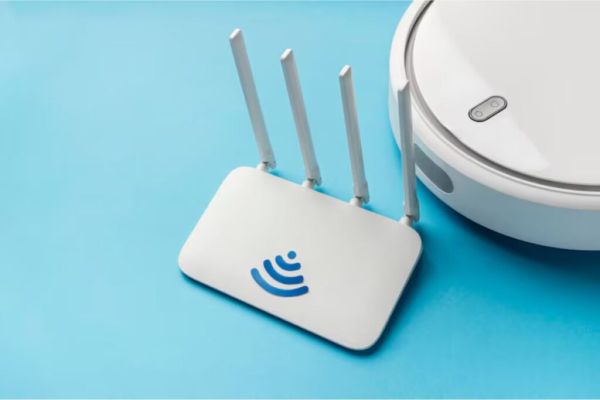
If your WiFi speed is low, first check the status of your router. This affects your internet speed and connection strength. A single router may be sufficient in a single-storey house, while multi-storey houses may require a WiFi extender.
center the router
To improve WiFi signal quality, install the router in the middle of the house. This ensures that the internet reaches every corner well. It’s also a good idea to place it higher, such as on a shelf or bookshelf, to improve speed.
keep away from electronics
If you have placed the router behind an electronic item such as a TV, it may cause interference to the signal. Therefore, it would be better if you keep the router in an open space, so that the internet speed remains fast and stable.
Have any thoughts?
Share your reaction or leave a quick response — we’d love to hear what you think!
-
T20 World Cup 2026 Group A Points Table: Suryakumar Yadav’s explosive knock lifts India to the top, Pakistan in…

-
Surajkund Mela tragedies: Giant swing snaps mid-air, cop weeks away from retirement dies saving lives; gate collapses injuring more

-
Romario Shepherd Unleashes Mayhem With Five-for; West Indies Seal 35-Run Victory Over Scotland in T20 World Cup Opener

-
Explore Bridgerton's Real Life Shoot Locations With This Travel Guide

-
Suryakumar Yadav Shatters Virat Kohli's T20 World Cup Milestone, Narrowly Misses Rohit Sharma's Benchmark