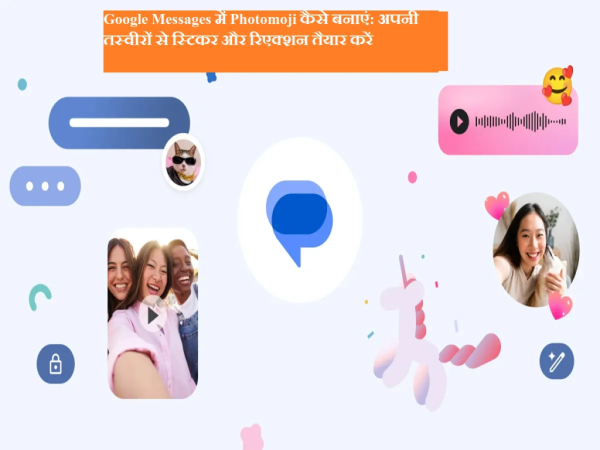
In Google Messages photomoji The feature lets users turn their photos into custom stickers and message reactions. No more relying on generic emojis—you can spice up conversations with photos of your pets, friends, or special moments.
Photomoji works within Google Messages and Both RCS and SMS chats I supports. This makes your everyday conversations more personal and emotional.
What is Photomoji and why is it special?
Photomoji is based on real photos, so it creates a greater emotional connection than regular emoji. A smiling face or funny photo can instantly liven up a conversation.
Once the Photomoji is created, it is saved to Google Messages. That means there is no need to make new ones again and again. You can send it as a sticker or use it as a reaction to a message.
System requirements
- Android version: Android 8.0 or above
- Android Go: does not support
How to make Photomoji as a sticker
- Open Google Messages app
- open a chat
- Tap on the message box > select Emoji
- Create tap on
- Choose photo from gallery
- If there is more than one person in the photo, select the person you want to create a Photomoji on
- Send tap on
How to use Photomoji as a reaction
- Open Google Messages
- open chat
- press and hold a message
- Create tap on
- Choose photo from gallery
- Select required subject
- Send tap on
Why does Photomoji make chat special?
Photomoji makes conversations more personal, fun, and memorable. This feature is especially useful for those who want something different and creative beyond emoji.
Photomoji is a small but great feature of Google Messages that makes everyday conversations special. If you want to add some personality and emotion to your chats, try Photomoji.
-
Permanent price cuts announced on everyday essentials as UAE retailer resets prices

-
Valentine's Day 2026: Top Delhi spots to celebrate love, romance and feasting with your partner

-
Holi party themes from Bollywood dhamaka to flowers for playful energy

-
Cortisol Truths How Stress Impacts Your Health

-
Interesting Facts: What color is your passport? The secret to your identity and power is hidden within its cover..