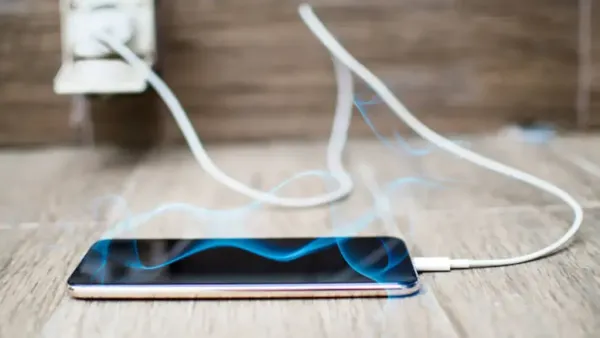
Phone Cooling Hacks: As soon as the summer season arrives, not only the body but also the smartphones start heating up. Gaming, charging, video calls or hot weather – there are many reasons why the phone’s temperature rises. Due to frequent heating, the performance of the phone decreases, the battery drains quickly and sometimes the device may even shut down completely. But there is no need to panic.
In this article, we are telling you 7 easy and safe ways (hacks) by which you can keep your smartphone cool without any expense. These tips not only protect the phone from overheating, but also increase its life span. Such as – protection from sunlight, reducing brightness, closing background apps, using airplane mode, and removing the case during charging.
Also know the mistakes we make while trying to cool the phone – like keeping it in the fridge or using a fake charger – which can cause further damage to your device. So come on, let us know those 7 easy hacks which will give coolness and relief to your phone.
keep the phone away from sunlight
Direct sunlight can heat the phone rapidly. Do not keep the phone on the car dashboard, in the pocket or outside in extreme heat for a long time.
If you are outside, keep the phone in a bag or cover it with a cloth. With this it will be protected from the heat of the sun and will not heat up.
Reduce screen brightness

The bright screen of the phone is also a major cause of heating. High brightness puts stress on the battery, due to which the phone heats up quickly.
Turn on Dark Mode and select the Auto Brightness option. Keep screen timeout short when it’s not necessary. This will not only reduce heat but will also save battery.
Stop background apps and services
Turn off features like WiFi, Bluetooth, GPS when not needed. These continuously use the battery and processor, causing the phone to heat up.
Close apps running in the background. By going to ‘Battery Usage’ settings, you can see which apps are consuming the most battery and processor.
Remove case while charging
While charging the phone, its temperature becomes higher than normal, and if the phone has a case on it, the heat is not able to come out.
Therefore, while charging, remove the cover of the phone and place it on a flat, cool surface – like a table or granite slab. This releases heat quickly.
Use airplane or low power mode
When there is less network, the phone works harder, which can cause it to heat up. In such a situation, put the phone on airplane mode for some time.
Low power mode also stops many background tasks of the phone and prevents heating. This is especially useful when you are out or your phone charge is low.
Adopt a smart way of cooling
Do not keep the phone directly in the fridge or freezer, this can cause condensation to form inside and damage the device.
Instead, you can keep a small desk fan near the phone or keep it in a cool place for a few minutes. Now clip-on phone coolers are also available in the market for gaming users, which are very helpful.
Avoid wrong solutions
Cheap, local chargers or unauthorized apps damage the phone and increase the risk of overheating.
Never make mistakes like keeping the phone in wet clothes, icepack or freezer. This will not reduce the heating, on the contrary the phone may get completely damaged.
-
'Premature': SC rejects challenge to government order on playing all six paras of 'Vande Mataram'

-
'Premature': SC rejects challenge to government order on playing all six paras of 'Vande Mataram'

-
Horror as toddler suffocated after being held face down at nursery to 'make him sleep'

-
KITG 2026: Swimmers Dhoneesh N of Karnataka, Odisha's Anjali Munda clinch first medals

-
Major UK food company plunges into administration - in business since 1986