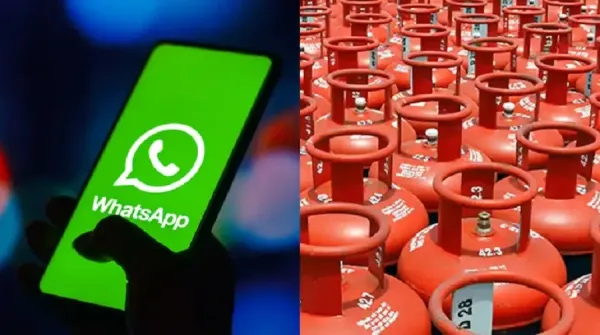
Friends, in view of the increasing gas shortage in the country, it has become very difficult to get a cylinder, in such a situation, updating your registered mobile number with your gas company has now become very fast and easy. You can complete this entire process through WhatsApp in just a few easy steps, let us know the easy way-
1. Start with a simple message
To start the process, send a message saying “Hi” to your gas company’s official WhatsApp number.
2. Select your language and service
When you find the answer, select the language you prefer. Then, go to “Other Services” option from the menu.
3. Select “Change Mobile Number”
From the list of services, select the “Change Mobile Number” option to proceed.
4. Enter your new mobile number
Carefully type your new mobile number which you want to update in the system.
5. Verify with OTP
A One-Time Password (OTP) will come on your new number. Enter that OTP to verify and confirm the update.
-
'Brother Of Krunal Pandya': Netizens REACT As Mitchell Santner Surprises Shivam Dube With Quick Bouncer; Rohit Sharma Enjoys

-
IPL 2026: Rohit Sharma, MS Dhoni Not Playing In MI Vs CSK Clash At Wankhede Stadium; Check Playing XI

-
Clash Of Titans! Hardik Pandya Wins Toss, MI Opt To Bowl Vs CSK In IPL 2026 'El Clasico' As MS Dhoni Misses Out

-
Ella D Verma Opens Up On Dealing With Inner Trauma After Transition: “Accepting Myself Was the Hardest Part” | FPJ Exclusive

-
Iran's Exiled Prince Reza Pahlavi Attacked With Orange Liquid In Berlin | Video