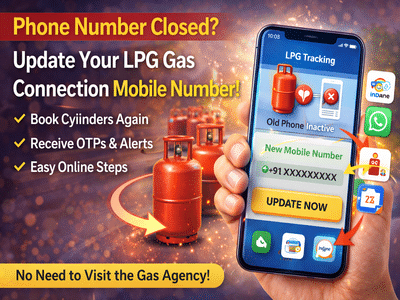
If your registered mobile number for LPG connection has stopped working, booking a gas cylinder can become a frustrating task. Many users are currently facing this issue, especially during ongoing supply disruptions. The good news is—you can update your LPG mobile number from home in just a few minutes using simple digital methods.
Here’s a complete, step-by-step guide to help you fix the issue quickly.
Why Updating Your LPG Mobile Number Is ImportantYour LPG connection is linked to your mobile number for essential services like:
- Booking gas cylinders
- Receiving delivery updates
- OTP-based verification
- Customer support communication
If your number is inactive or incorrect, you won’t be able to book a cylinder or track your order.
Method 1: Update Mobile Number via Official WebsiteThe easiest way to update your number is through the official LPG portal MyLPG.in.
Follow These Steps:Once completed, your mobile number will be updated successfully.
Method 2: Update via WhatsAppMany LPG providers now offer services through WhatsApp, making the process even simpler.
Steps to Follow:This method is quick and user-friendly, especially for those who prefer mobile-based services.
Method 3: Update Using LPG Mobile AppYou can also update your number through your gas provider’s official mobile app.
How It Works:- Download your LPG provider’s app
- Log in to your account
- Go to “Other Services” or “One Touch Solution”
- Select “Update Mobile Number”
- Enter and verify your new number
This option is useful if you regularly use the app for bookings and tracking.
Things to Keep in Mind- Always use your registered email or LPG ID while logging in
- Make sure your new mobile number is active
- Keep your phone handy for OTP verification
- Double-check details before submitting
An inactive mobile number can disrupt your LPG booking and delivery process, especially during times of supply delays. Fortunately, updating your number is now quick and hassle-free with online tools, WhatsApp services, and mobile apps.
By following the steps above, you can restore seamless access to LPG services and avoid unnecessary delays.
-
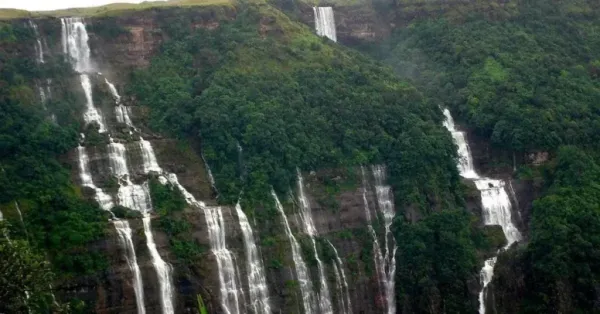
Are you planning to travel during the rainy season? Do explore these wonderful places of Meghalaya, you will see amazing views of nature.
-
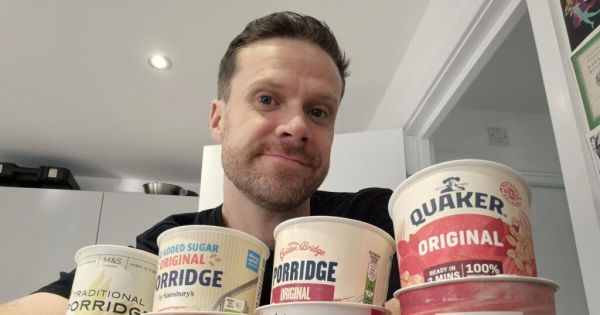
I tried porridge pots from Aldi, Tesco, M&S and more – two beat Quaker
-
Inside Kriti Sanon’s Rs 78 Crore Pali Hill Penthouse With A Sea View And Private Terrace

-
Planning a Pregnancy Between 35 and 40? Fertility Expert Explains What Every Woman Should Know
-
HNCII Awareness Campaign on World Head and Neck Cancer Day! Timely diagnosis can save lives