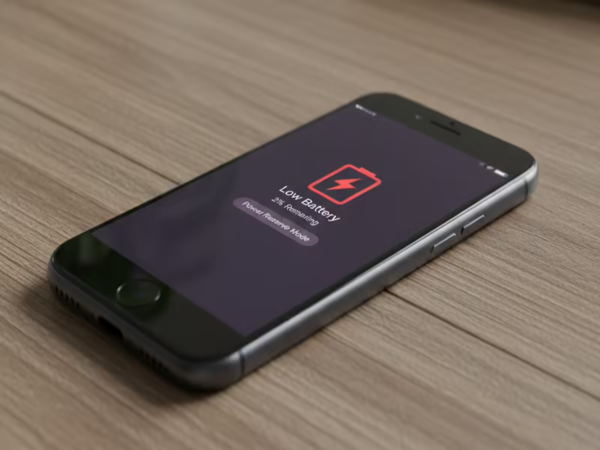
Today, 7 out of every 10 smartphone users are significantly troubled by the problem of battery drain. It is often observed that even when the phone is not actively being used, the battery still drains at an alarmingly fast rate.
If you are also facing this issue, the culprit could be certain settings that you might not even be aware of. We will tell you about three such essential settings that you can adjust to significantly improve your phone's battery life.
Nowadays, many apps on your phone continuously update data in the background without ever being opened. This causes the battery to drain gradually over time. To address this, go to *Settings*, tap on *Background App Refresh* (or *Background Activity*), and toggle off the apps you do not need. Social media and shopping apps tend to consume the most battery power.
**Location Services: The ‘System Services’ Setting**
While many people know how to toggle Location Services on or off, very few are aware of the hidden *System Services* setting located within it. This feature also continues to drain the battery in the background. To manage this, navigate to *Settings* > *Privacy* > *Location Services*, scroll down, and open *System Services*.
From there, toggle off settings such as *Significant Locations* and *Location-Based Alerts*. These features track your location at frequent intervals, even when there is no actual need to do so.
**Raise to Wake and Motion Tracking**
You may have noticed that your phone's screen lights up the moment you simply lift the device. This functionality is known as *Motion Tracking*. While these features certainly make using your phone more convenient, they also quietly drain your battery in the background.
To disable this, go to *Settings* > *Display* and toggle off *Raise to Wake*. Additionally, turn off *Motion & Fitness Tracking*. This will prevent the screen from lighting up unnecessarily, thereby preventing battery drain.
Disclaimer: This content has been sourced and edited from TV9. While we have made modifications for clarity and presentation, the original content belongs to its respective authors and website. We do not claim ownership of the content.