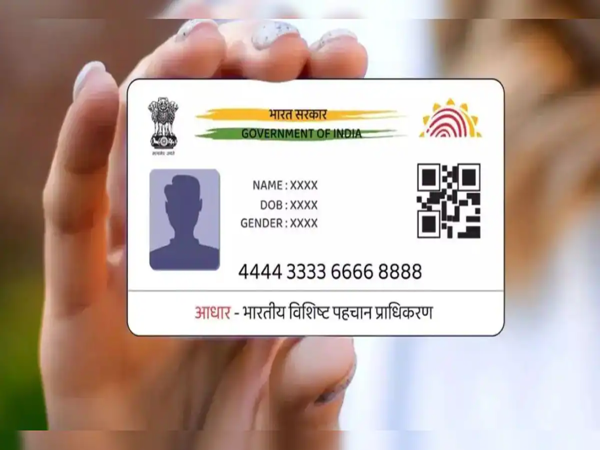
Aadhaar Card Address Update: In today's digital era, the Aadhaar card is one of the most essential documents. Whether it involves opening a bank account or availing the benefits of government schemes, an Aadhaar card is required for almost every task. Consequently, it is crucial to update your Aadhaar card details periodically; otherwise, several important tasks may get stalled. In this context, we are going to explain today how you can update the address on your Aadhaar card without needing an electricity bill or any other standard proof of address. Let's explore the complete process...
**How to Update Using This Option**
To update your address without submitting any standard proof of address, you must select the "Head of Family (HoF) Based Address Update" option. With the help of this feature, you can easily update the address on your Aadhaar card. Let's look at the complete step-by-step process...
**What is the Complete Process?**
First, download the new Aadhaar app on your mobile phone.
Now, log in to the app using your Aadhaar number and other relevant details.
Next, click on the "Services" option displayed on the screen.
From there, select the "Address Update" option.
Following this, you will need to tap on the "Head of Family (HoF) Based Address Update" option.
Now, enter the Aadhaar number of the family member through whom you wish to update your Aadhaar card address.
Next, select your relationship with that family member from the menu and upload the supporting proof. For this purpose, you can upload a Marriage Certificate or a Ration Card.
If you do not possess any specific document for verification, you can download the "Self-Declaration Form" provided by UIDAI.
Download this form, fill it out, and upload it.
Finally, submit the applicable fee and make a note of the generated SRN (Service Request Number).
**Obtain Approval from the Family Member**
To complete the address update, obtaining approval from the designated family member is essential.
To do this, log in to the Aadhaar app using the Aadhaar number of the family member whose details you utilized to update your address.
Then, click on "My Head of Family Requests."
You will now see the pending request; have the family member approve it.
The address on your Aadhaar card will be updated a few days after the approval is granted.
Disclaimer: This content has been sourced and edited from NDTV India. While we have made modifications for clarity and presentation, the original content belongs to its respective authors and website. We do not claim ownership of the content.
-
VIDEO: Who gave rose to Kavya Maran? This is how love was expressed after the victory of Sunrisers Hyderabad.

-
This year, these 6 zodiac signs will be blessed by all the 9 planets, they will get complete luck – News Himachali News Himachali

-
Baisakhi 2026: Durga Yagya and blood stained sword… How Khalsa Panth was established amid silence in the gathering

-
Leather Bag Cleaning Tips: To keep the leather bag as new for years, then clean it in this way…

-
Hard Times Come To An End For 4 Chinese Zodiac Signs After April 15, 2026