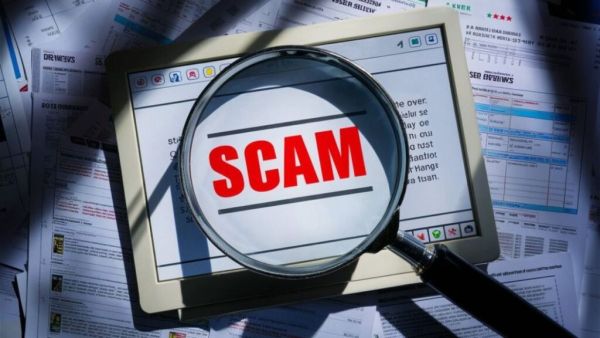
- Scammers are trying to trick iPhone users by sending fake emails claiming iCloud storage is full.
- Clicking on the link in the email takes you to a fake website and steals your bank details, Apple ID and password.
- If you notice unknown emails, suspicious links and use of wrong language, you should be alert and delete such mails immediately.
iPhone There is very important news for users. A consumer association has issued a warning to about 1.8 billion iPhone users worldwide. A dangerous email scam has been issued claiming that users’ data is at risk. It has been reported that recently an email is being sent to iPhone users in the name of tech company Apple. This email says that your iCloud storage is full. This may result in your account being blocked or photos being deleted. Be careful if you also receive such an email. Because this is a new method of scammers to cheat iPhone users. This scam is very dangerous and is going viral. Scammers are once again active to trick and lure iPhone users.
iPhone Secret Codes: From network strength to iPhone hidden features… Just dial one code and get complete information
Is iCloud a scam for sure?
For the past few days, cyber criminals have been scamming iPhone users by sending emails. The email claims that your iCloud storage is full and may block your account. Not only that, the email claims that your photos and videos from iCloud may also be deleted. It prompts you to instantly upgrade your iCloud storage and pay. If users click on this, it can cause a big disaster. (Photo Courtesy – Pinterest)
How Users Are Cheated in iCloud Scams?
Clicking on the iCloud storage upgrade or payment button provided in the email opens a fake website in front of you. This website looks exactly like the real Apple website. Here scammers ask you for information like bank details, card number, Apple ID and password. Scammers steal your data when you enter this information.
How to identify fake and fake emails?
The method of identifying fake emails is very simple. These emails have strange addresses, such as .biz.ua or a domain from another country. Also, such emails contain spelling and grammar mistakes like ‘Your account may expire today’ and use very threatening language. So if you receive such language in an email, be alert and do not click on any link.
Change smart prepaid meter mobile number at home! The process is simple, know in detail
What did the experts say?
- Experts advise iPhone users to be cautious and not click on any unknown links.
- Ignore or delete such emails.
- Do not click on any links.
- Do not share your information on any website.
- Check your iPhone’s storage by going to Settings > iCloud.
-
Spain: Sanchez government finalizes amnesty plan for undocumented migrants

-
Rahane Reflects on KKR's Bowling Strengths and Batting Challenges

-
Sunrisers Hyderabad Triumph Over Rajasthan Royals with Stellar Debuts

-
Universal Credit in 'full-blown crisis' as claimants soar by 1.5m under Labour

-
Adrian Edmondson shares reason for weight loss after 'getting pins and needles in leg'