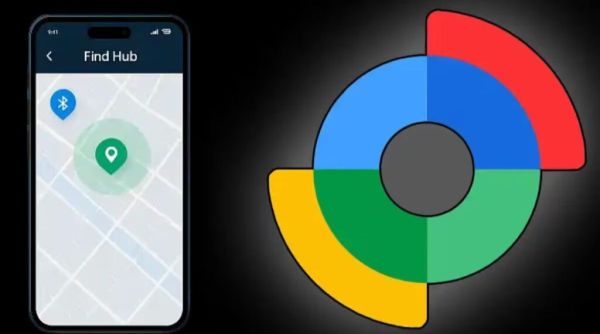
Mobile Security: If your Android phone is lost or stolen, this situation can be very disturbing because it contains your photos, messages and important personal data. But Google’s Find Hub (formerly Find My Device) feature provides an easy solution to this problem, letting you track, lock, or delete your phone’s data. This tool can be accessed from any web browser or other Android device. For this, it is necessary that the phone is already logged in and activated with the correct settings.
Current or last location will be displayed
To track a phone, first go to android.com/find in a browser or open the Find Hub app on another Android device. After this, log in with the same Google account which was being used on your lost phone. After log-in, select your phone from the device list, after which its current or last location will be visible on the map.
Play Sound option help
If the phone is nearby, the Play Sound option can be used to locate it loudly, even if it is on silent mode. Find Nearby feature is also available in some devices, which gives more accurate location through Bluetooth or UWB technology.
Complete data can be deleted remotely
Secure Device or Lock option can be used to secure the phone. In this, the phone can be locked by setting a new PIN or password and the contact number or message can also be shown on the lock screen. If there is no possibility of recovering the phone, the entire data can be deleted remotely with the Erase Device option. After this process is completed, the phone gets factory reset and all the data present in it is deleted forever.
These things should be active
For Find Hub to work properly, the phone must be turned on, connected to the Internet, and logged in to your Google account. Also, Location and Find Hub services should already be active. Even if the phone is offline, its last location can still be visible, which helps in finding it.
-
Financial Horoscope Today, April 19, 2026: Aries to See New Income Streams, Check Financial Forecast for Other Zodiac Signs

-
Weekly Tarot Reading for All Zodiac Signs: April 20–26 Forecast

-
'It Was Purely A Gimmick': Varun Dhawan's Hai Jawani Toh Ishq Hona Hai Team Denies AI Use In Film Amid Row Over 'AI Babies' In Teaser

-
Drishyam 3 Director Abhishek Pathak Welcomes Baby Girl With Shivaleeka Oberoi 3 Years After Marriage: 'Our Goddess Laxmi Has Arrived'

-
Supreme Leader Ayatollah Mojtaba Khamenei's First Army Day Message Hails Iran's 'Courageous Defence' In 40-Day US-Israel War