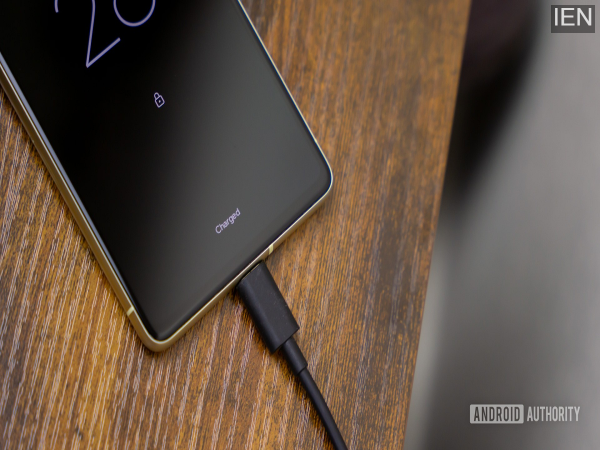
Tech Tips: In such cases, the phone may charge rapidly up to about 80 percent and then pause, gradually reaching 100 percent by the morning.
Tech Tips: Many people get frustrated wondering why their smartphone isn't charging as fast as it used to, despite using an original fast charger. Users often blame the charger, the cable, or the battery; however, the real culprit could actually be a specific setting within the phone itself. This feature is called "Adaptive Charging." This setting is included in many modern Android smartphones today, and its primary objective is to extend the battery's lifespan. However, this very feature can sometimes significantly slow down the phone's charging speed.
What is Adaptive Charging?
Adaptive Charging is a smart battery management feature. Instead of charging the phone at full speed constantly, its function is to regulate the charging process by analyzing the user's habits. For instance, let's assume you plug your phone in to charge every night at 11:00 PM and unplug it at 7:00 AM. In this scenario, the phone might charge quickly up to around 80 percent, pause, and then gradually reach 100 percent by the time morning arrives. The goal of this technology is to minimize stress and heat on the battery, thereby ensuring better battery health over the long term.
Why Do People Assume Their Phone Is Broken?
When a phone suddenly begins charging slowly, most users assume that their fast charger has malfunctioned or that there is an issue with the cable. However, in many cases, Adaptive Charging is the actual cause. Since this feature intentionally reduces the charging speed, users often mistakenly believe that their phone has developed a technical fault.
Here’s How to Check the Setting
If your phone is charging more slowly than usual, be sure to check your Adaptive Charging settings. On most Android smartphones, this option can be found here:
Settings > Battery > Adaptive Charging
Alternatively:
Settings > Battery Health > Charging Optimization
If you disable this feature, in many cases, the phone immediately reverts to its previous fast-charging speeds.
But is it advisable to keep it disabled permanently?
Experts suggest that keeping Adaptive Charging completely turned off over the long term could negatively impact the battery's lifespan. In fact, when a battery remains at a 100% charge level for extended periods, its overall capacity gradually begins to diminish. This is precisely why manufacturers keep this feature enabled by default.
Why do manufacturers offer this feature?
Nowadays, people tend to use their smartphones for several years. Consequently, there is increased pressure on manufacturers to ensure better battery longevity. Excessive heat is considered to be the primary culprit behind the premature degradation of lithium-ion batteries.
For this reason, Android manufacturers are implementing software-based charging systems designed to minimize heat generation and extend the battery's lifespan. Some newer versions of Android are even testing "smart" systems capable of automatically striking a balance between fast charging speeds and battery protection.
Things to check before buying a new charger
If your smartphone suddenly begins charging slowly, there is no need to rush out and buy a new charger or cable immediately. First, check to see if the Adaptive Charging feature is currently enabled. It is possible that your phone isn't actually malfunctioning; rather, it may simply be prioritizing the preservation of your battery's health.
-
Eurovision night filled with music and tension

-
Mango Launji becomes a treasure of taste and health in summer, eat it with pleasure along with Puri-Paratha.

-
Man Messages His High School Bully On Facebook And His Bully Responds

-
Weekly Love Horoscopes For Each Zodiac Sign From May 18 – 24, 2026

-
Flipkart Sale: Up to ₹ 9,000 discount on iPhone 17 Pro, know the whole truth about this viral deal