
Friends, in today’s modern era UPI has become an important part of our life, payment for anything from small tea shops to big shopping centers, now online payments are done quickly and easily. These tasks seem easy and convenient, but they can also expose an important part of your personal information – your mobile number – but now a feature is coming, with the help of which your number will not be shared with anyone else, let us know about it.
Whenever you make a payment through UPI to a merchant or any other person, your registered phone number is often visible to the recipient of the payment. This may expose you to unwanted spam calls, marketing messages, online scams, or misuse of your personal information. Many
The good thing is that there is no need to panic now. National Payments Corporation of India (NPCI) and many big payment apps have introduced some new features focusing on privacy, with the help of which users can make payments even without revealing their real mobile number.
1. Create a custom or UPI ID of your choice
The easiest way to hide your mobile number is to create a unique UPI ID in which your phone number is not visible.
Open the app and tap your profile icon.
Go to “UPI & Payment Settings”.
Select “Manage UPI IDs”.
Create a custom username or alphanumeric UPI ID.
Google Pay
Tap your profile photo.
Select “Bank Account”.
Go to “Manage UPI Numbers”.
Unlink your mobile number and create any random or UPI ID of your choice.
BHIM App
Tap your profile icon.
Select “Create New UPI Number”.
Set a new name or virtual UPI number.
2. Use a virtual or secondary UPI number
NPCI has also introduced a feature that allows users to create a separate virtual UPI number linked to their bank account. Which adds another layer of privacy and security.
3. Make the new UPI ID your primary ID
Once you’ve created a custom or secondary UPI ID, don’t forget to set it as your primary UPI ID. Once activated as the primary ID, all transactions will go through it, ensuring that your real mobile number remains hidden from the payment recipients. Why is this feature important
Protects users from spam calls and messages
Reduces the risk of online fraud and scams
Enhances personal privacy during transactions
Provides a secure digital payment experience, especially for women and senior citizens
-
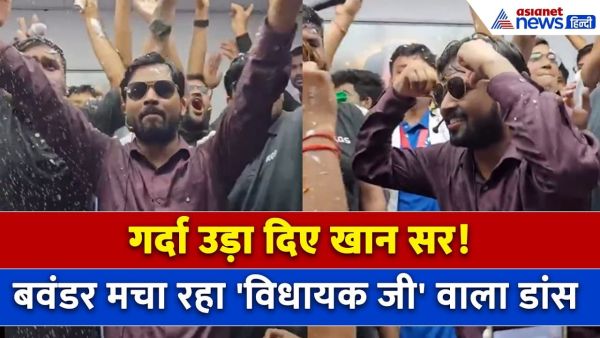
Re: Khan Sir’s dance on ‘Vidhayak Ji’ after NEET result, killer steps went viral. Khan Sir Celebrates Neet Result With A Viral Dance
-
Buying Noodles for Your Child? Don’t Miss These 4 Things on the Packet

-
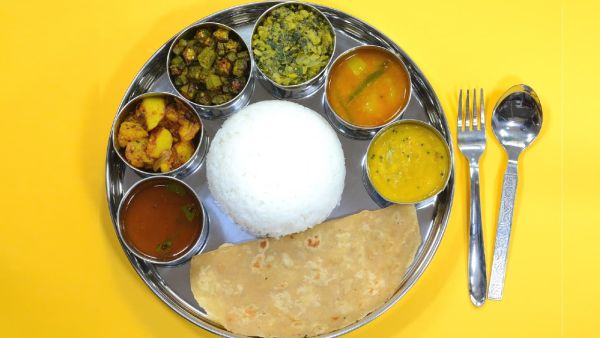
Cooking Hacks: Make One Curry, Enjoy 3 Delicious Meals Details Inside
-
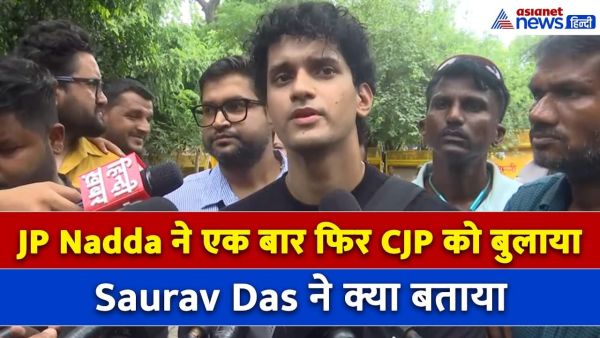
JP Nadda called CJP again, what did Saurav Das tell?
-
Sunny Deol New Pics: Sunny Deol seen in clean shave, different avatar of Sunny Paaji in 7 photos. Sunny Deol New Look Clean Shave Photos Viral Latest Pics Before Ramayana Movie Photoslide