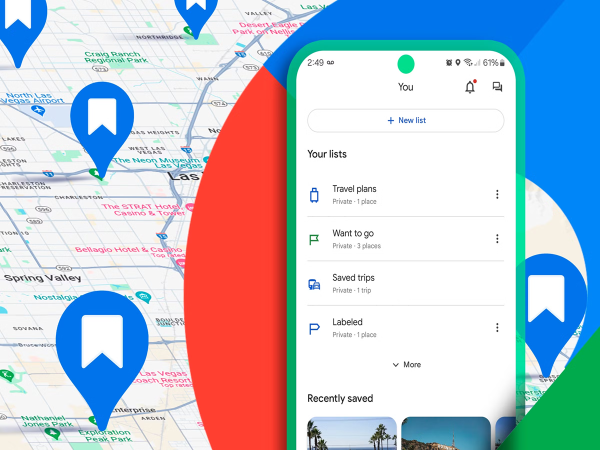
Google Maps Places: Google Maps does not rely on a single source. Information displayed on the platform is gathered from various sources, including local businesses, government records, mapping partners, websites, and Google's own mapping and survey processes. Maps are continuously updated by integrating information from all these sources.
**Users can add their own locations**
If someone has started a new business, they can manually enter details about their shop, office, or establishment via a Google Business Profile. This includes information such as the address, phone number, website, business hours, and photos.
After the information is submitted, Google completes a verification process. Once verified, the business appears on Google Maps.
**Regular users can also provide updates**
A key feature of Google Maps is that regular users can also add new information. For instance, if a new shop, road, or location name is missing from the map, a user can submit the details using the "Add a Place" or "Suggest an Edit" feature.
Google verifies this information and, if found to be accurate, incorporates it into the map.
**Information undergoes multi-level verification**
No information appears directly on Google Maps without scrutiny. The company verifies every piece of data using algorithms, machine learning systems, and human verification.
If consistent information is received from multiple sources, the likelihood of its accuracy increases.
Conversely, if any information is found to be incorrect or misleading, it may be removed from the map. This is why Google Maps continues to improve constantly.
Disclaimer: This content has been sourced and edited from Amar Ujala. While we have made modifications for clarity and presentation, the original content belongs to its respective authors and website. We do not claim ownership of the content.
-
127-kg Cricketer Who Became World Cup Hero With One Stunning Catch

-
Raja Raghuvanshi Murder Case: Supreme Court To Hear Plea Against Sonam's Bail On July 21
-
Sonam Wangchuk In 'Immense Pain' , Refuses To Call Off Fast As CJP Protest Enters Day 25

-
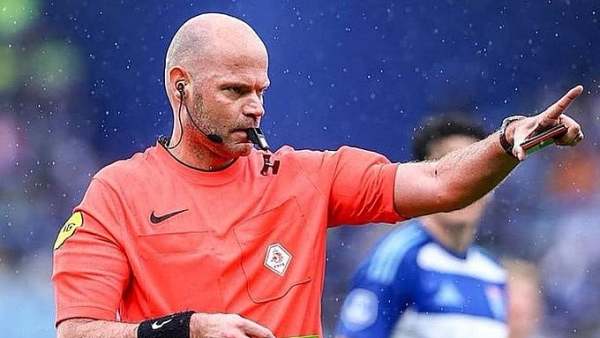
Dutch Referee Rob Dieperink Passes Away At 38 After Being Dropped From FIFA World Cup 2026
-
Govt Confirms No Critical Data Loss In Tata Electronics Cyber Attack, Vows Continued Vigilance Amid Rising Digital Threats