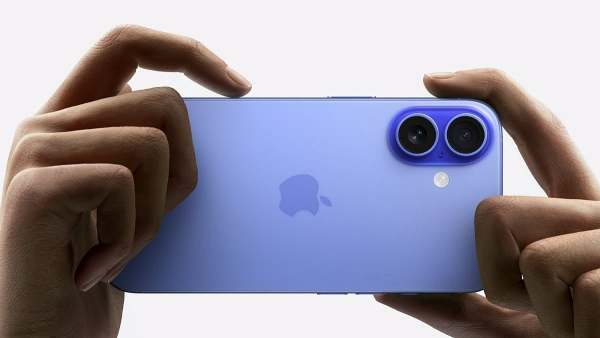
iPhone users can improve photo and video quality by changing a few built-in Camera settings. Options like 4K recording, ProRAW, Night mode exposure, Grid, Preserve Settings and Most Compatible formats can enhance shooting, editing and sharing. These features require no extra apps and are available across recent iPhone models.
The default Camera app on an iPhone works well straight out of the box, but a handful of settings buried in the Camera menu can noticeably improve photo and video quality, framing, and shareability. These hacks, require no extra apps or purchases, just a few taps in Settings. Most work across recent iPhone generations, though a couple are limited to specific Pro models, which is noted where applicable.
1. Shoot 4K video instead of the default 1080p
Apple defaults video recording to 1080p to save storage, even though iPhones have supported 4K since 2015. Head to Settings > then Camera, then Record Video > and select 4K at a frame rate of choice. Higher frame rates such as 120 fps use more storage than 24 fps.
2. Shoot in ProRAW for higher quality, editable photos
-
Where hills meet the Deccan: Assam finds a home in Hyderabad

-
This Rs 600 passport is India’s hottest new travel trend

-
152 paper leaks in a decade: Rahul guns for Modi apology

-
Prabhas and Katrina Kaif may share screen for the first time

-
Amid CJP protests, is Aamir Khan’s 3 Idiots returning to theatres?