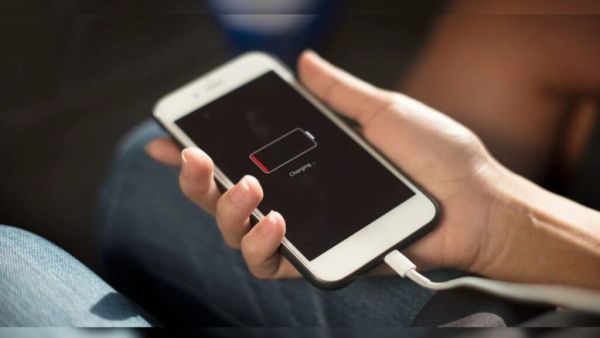
Technology Desk: If your smartphone is charging slower than before, the cable repeatedly comes out during charging or the phone starts repeatedly connecting and disconnecting the charger, then it is not necessary that the problem lies in the battery or charger itself. Sometimes the reason for this is dust and dirt accumulated in the charging port. However, a small mistake made while cleaning the port can also cause permanent damage to the phone. Therefore it is very important to know the right method.
How does dirt accumulate in the charging port?
The smartphone remains in our pocket, bag or at different places throughout the day. During this time, fine fibers of clothes, dust and small particles gradually start accumulating inside the charging port. Over time, this dirt increases so much that the charging cable cannot fit properly. This affects the charging speed and sometimes the phone does not charge at all.
Keep these things in mind before cleaning
Before cleaning the charging port, first turn off the phone completely and remove the charger. After this, look inside the port with the help of a torch or bright light. Clean only if dust or fibers are visible inside. If the port looks clean and the charging problem still persists, the problem could be with the charger, cable, battery, or even the phone’s hardware.
Safe way to clean charging port
If there is slight dust accumulation in the port, just gently clean the exterior using a small brush with clean, soft bristles. Do not force anything into the port during cleaning. The pins inside the charging port are very delicate and can get damaged due to pressure on them.
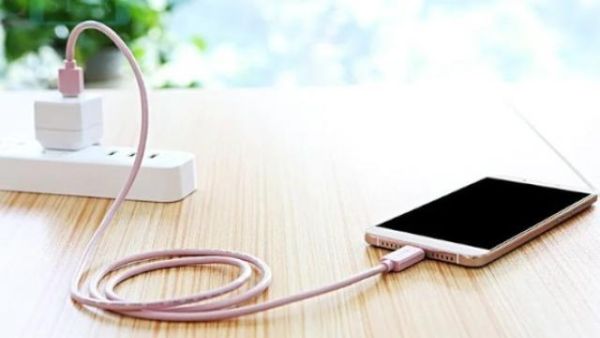
never make these mistakes
Needle, safety pin, paper clip, knife or any sharp metal object should not be used to clean the charging port. This may cause the port’s pins to bend or create a risk of short circuit.
Similarly, water, sanitizer, perfume or any kind of cleaning liquid should not be poured into the port. Due to this, the electronic parts inside may get damaged and the repair of the phone may cost heavily.
Do not charge if there is moisture in the phone
If the phone gets wet in the rain or a warning like “Moisture Detected” is visible on the screen, do not make the mistake of hastily installing the charger. Keep the phone in a dry and ventilated place for a few hours. Start charging only after it is completely dry.
What to do if the problem persists?
If the phone is not charging properly even after cleaning the port, charging is repeatedly stopping or the cable seems loose, then do not try to repair it yourself again and again. In such a situation, it would be better to get the phone checked at an authorized service center. Sometimes the problem may not be in the charging port but in the charging IC, battery or charger.
Easy ways to keep the charging port safe for a long time
If you keep the phone in your pocket every day, then check the charging port with the help of a flashlight once every three to six months. Avoid cleaning the port by repeatedly inserting anything unnecessarily. The less tampering, the longer the charging port will remain safe and functioning properly.
-
Notice outside BJP MLC Ravi’s house over NEET protest speech

-
Brazil Denies Visas To Trump Officials Ahead Of Presidential Election

-
Why do railways use stones under tracks?

-
Want your child to value money and time? German parents teach kids these 4 simple habits early in life

-
Be careful if you are fond of eating apples! Royal Gala, Golden Delicious or Kashmiri Amri