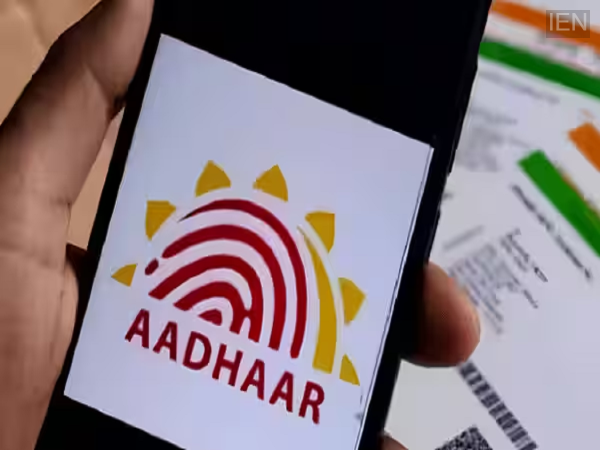
Aadhaar Lock Feature: You can now further secure your Aadhaar using fingerprint and iris authentication. Let’s explore the lock and unlock features of the new Aadhaar app.
Aadhaar Lock and Unlock Feature: Aadhaar is currently one of the most important identity documents in the country. It is used for banking, mobile SIM cards, government schemes, and various other purposes. Consequently, the misuse of your fingerprint or iris data could lead to complications. To mitigate this risk, UIDAI has introduced a biometric feature in the new Aadhaar app, allowing users to lock and unlock their Aadhaar biometric data.
Prevent misuse of your Aadhaar.
The Aadhaar biometric lock/unlock feature safeguards users' biometric data. This feature is particularly useful for individuals who are conscious of their Aadhaar security. Those who use their Aadhaar card for banking, government schemes, identity verification, or other services can protect their personal details using this feature. According to MeitY, the Aadhaar biometric lock/unlock feature is widely used, with 1.91 crore people having utilized it so far.
Benefits of locking Aadhaar
The biometric lock feature offers several advantages; the most significant is that no one can use your fingerprint or iris data without your permission. This reduces the risk of fraud and ensures your security. Even if someone obtains your Aadhaar number, using it will not be easy.
How to lock fingerprint and iris using the new Aadhaar app
Step 1: Open the new Aadhaar app on your phone. Log in using your Aadhaar details and complete the authentication process.
Step 2: Go to the home screen and select the 'Biometric Lock' or 'Biometric Settings' option. Tap on 'Fingerprint and Iris Lock', follow the instructions, and verify your identity. Once confirmed, the fingerprint and iris data linked to your Aadhaar will be locked.
How to unlock when needed
If you need to use your Aadhaar biometrics, open the Aadhaar app and select the 'Unlock Biometrics' option. Your biometrics will be unlocked after your identity is verified. You can lock them again once the task is complete.
-
Zimbabwe vs India 3rd T20I Live Toss Updates And Confirmed Playing XI
-
Ship Carrying 4 Indians Hit At Ukraine's Odesa Port; 2 Safe, Search On For 2 Others
-
Dharmendra Pradhan Twice Offered To Resign Before Govt Accepted Exit: Sources
-
Meet Pakistani Lawn Bowl Player Who Also Runs A Popular Restaurant In Scotland; Welcomes His Opponents To Have 'Rogan Josh'
-
Cockroaches Get Rid Of Pradhan | VIDEO