
How to Update Address on Voter ID Card: If you have moved to a new house or started living in a different city or assembly constituency, it is crucial to update your new address on your Voter ID card to ensure you can vote in elections and keep your identity document current.
The Election Commission of India (ECI) has made this process extremely simple and completely free for the convenience of voters and citizens. You can add your new address online from the comfort of your home by filling out 'Form 8' via the Voters' Service Portal. Here is the complete information on how to change the address on your Voter ID card using both online and offline methods.
Documents Required to Change Address on Voter ID
When applying online or offline, you must upload or submit a valid document serving as proof of your new address. You can choose any one of the following documents:
An Aadhaar card with your updated address.
An electricity, water, or LPG gas connection bill issued within the last year.
A current bank or post office passbook containing a photograph and a stamp indicating the new address.
Registered rent agreement or property registration documents.
Indian passport.
How to Update Address on Voter ID Card Online
Follow the simple steps below to apply online for an address change on your Voter ID card from the comfort of your home:
First, visit the Election Commission of India's official Voters' Service Portal (voters.eci.gov.in).
If you do not have an account, click on 'Sign Up' and create one using your mobile number. If you already have an account, enter your credentials and log in using the OTP.
On the homepage, select the 'Form 8' option (Correction of Entries or Shifting of Residence) from the list of services.
If you are applying for yourself, select 'Self'. Then, choose the 'Shifting of Residence' option.
If your new home is within the same assembly constituency, select 'Within Assembly Constituency'. If your district or assembly constituency has changed, select 'Outside Assembly Constituency'. Accurately enter your new state, district, and constituency, along with your complete new address (including house number, street, or village).
Enter your Aadhaar number for identification and upload a clear scanned copy of your new address proof in the required format (JPEG or PDF).
Accept the declaration, enter the captcha code, and click the 'Submit' button.
Save the Reference Number
After submitting the form, a reference number will be generated on the screen. Save this number, as it will allow you to check the live status of your application on the portal.
Address change can also be done offline
If you are not comfortable filling out the form online, you can opt for the offline process. To do this, contact your nearest Electoral Registration Office (ERO) or the Booth Level Officer (BLO) for your area. Obtain 'Form 8' from there or download and print it from the portal. Fill in your correct details and the new address in the form. Attach a photocopy of your new address proof to the form and submit it to the BLO or ERO official. Your address will be updated after verification.
Disclaimer: This content has been sourced and edited from NDTV India. While we have made modifications for clarity and presentation, the original content belongs to its respective authors and website. We do not claim ownership of the content.
-
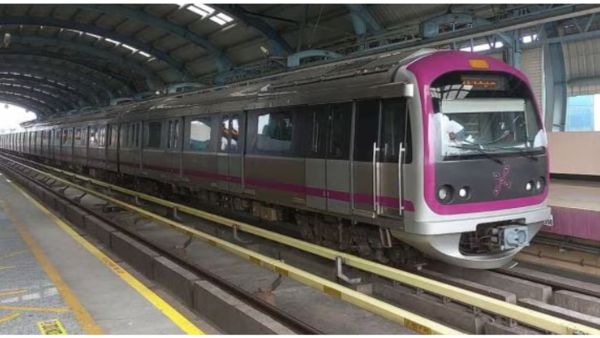
Bengaluru Metro: BMRCL To Introduce Two-Wheeler Parking At Four Pink Line Stations
-
Chhattisgarh News: From Naxalism to development, 164-member delegation will meet President Draupadi Murmu and show new Bastar. Chhattisgarh News Bastar Delegation Meets President Droupadi Murmu Brief Naxal Free Bastar Development Tribal Culture

-
TMC supports Exam Bill but slams Centre’s ’12 years of incompetence’

-
Hurdler Santhosh Kumar eyes CWG glory after breakthrough season

-
Fear of losing job due to AI! 27 year old engineer made a plan of ₹4 crore. Techie Earning 5 Lakh Monthly Fears Ai Job Loss Sparks Debate