A slow Wi-Fi connection can be frustrating, especially when you're working from home, streaming videos, or attending online meetings. While many people blame their internet provider, the real issue is often the way the Wi-Fi network is set up. Before upgrading your broadband plan or replacing your router, try these simple tips to improve your internet speed.
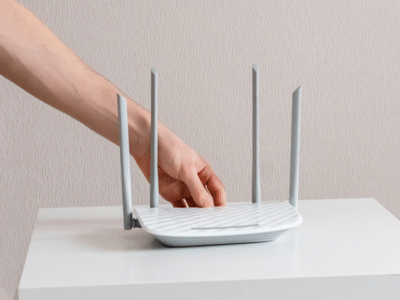
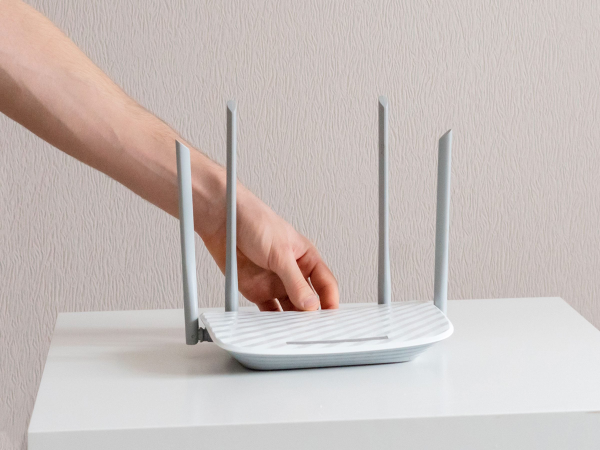
1. Place Your Router in the Right LocationThe position of your router plays a huge role in Wi-Fi performance. Place it in a central, open area of your home, away from walls, metal objects, and large appliances like refrigerators or microwaves.
Keeping the router elevated on a table or shelf can also improve signal coverage.
2. Restart Your Router Once a WeekRouters can slow down after running continuously for long periods. Restarting the device once every week clears temporary memory, refreshes the connection, and often improves performance.
3. Switch to the 5GHz Wi-Fi BandIf your router supports dual-band Wi-Fi, use the 5GHz network whenever possible.
-
2.4GHz: Better range but slower speeds.
-
5GHz: Faster speeds but shorter range.
Devices close to the router usually perform much better on the 5GHz band.
4. Disconnect Unused DevicesEvery connected device shares your internet bandwidth. Smart TVs, security cameras, tablets, and old phones connected to your Wi-Fi can slow down the network.
Remove devices you no longer use to free up bandwidth.
5. Update Your Router's FirmwareManufacturers regularly release firmware updates that improve security, fix bugs, and enhance performance.
Check your router's settings page or companion app for available updates.
6. Change Your Wi-Fi ChannelIf several nearby homes use the same Wi-Fi channel, interference can reduce speeds.
Many modern routers automatically select the best channel, but manually switching to a less crowded one can improve performance in apartment buildings or densely populated areas.
7. Secure Your Wi-Fi NetworkAn unsecured Wi-Fi network can allow unauthorized users to access your internet.
Use a strong password with WPA2 or WPA3 encryption and change the default router password to keep your connection safe and maintain better speeds.
8. Check for Background DownloadsAutomatic software updates, cloud backups, and large downloads running in the background can consume significant bandwidth.
Pause unnecessary downloads while streaming, gaming, or attending video calls for a smoother experience.
The Bottom LineSlow Wi-Fi doesn't always mean you need a faster internet plan. Simple steps like placing your router correctly, switching to the 5GHz band, updating firmware, and disconnecting unused devices can significantly improve your connection. Try these tips before spending money on new networking equipment.
-
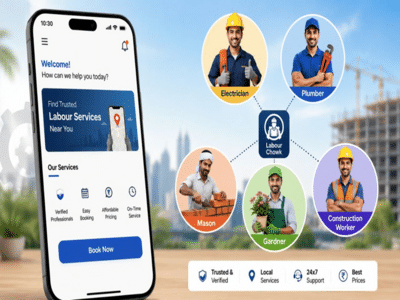
Labour Chowk App: Now find a handyman, plumber, or electrician from the comfort of your home; here is how the government's new app works..
-
Delhi Police Takes Action Against Social Media Posts Targeting PM Modi

-
Gold and Silver Prices Fall After Recent Rally; Check Latest Rates and Should You Buy Now?

-
Paytm Payments Bank to shut down; if you have funds in your account, take immediate action—UPI users should also note this update..

-
Flood Safety Gadgets: Amazing gadgets to save you from floods, buy them online today