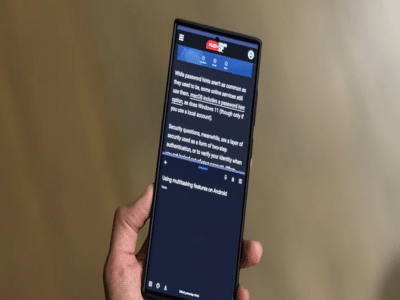
Most smartphone users only scratch the surface of what their Android devices can do. Beyond calling, messaging, and browsing, Android offers several built-in features that can improve performance, extend battery life, and make everyday tasks much easier. Here are 10 useful Android tips you should start using today.
1. Use Split Screen for Better MultitaskingNeed to watch a video while replying to messages or compare information between two apps? Android's Split Screen feature lets you run two apps simultaneously.
Simply open the recent apps menu, tap the app icon, and choose Split Screen (availability may vary by device).
2. Turn On Adaptive BatteryIf your phone's battery drains quickly, enable Adaptive Battery. This feature uses artificial intelligence to learn which apps you use most often and limits battery usage for apps running in the background.
This can noticeably improve battery life over time.
3. Free Up Storage Without Deleting Important FilesOpen Settings > Storage to identify apps and files taking up the most space. You can also remove duplicate photos, old downloads, and unused apps to recover storage without affecting important data.
4. Schedule Dark ModeDark Mode isn't just easier on the eyes—it can also help save battery on phones with OLED displays.
Instead of turning it on manually every day, schedule it to activate automatically after sunset or during specific hours.
5. Lock Apps With Your FingerprintMany Android phones allow you to lock individual apps such as WhatsApp, Gallery, or Banking apps using your fingerprint or face unlock.
This adds an extra layer of privacy without requiring third-party applications.
6. Find Your Phone Even When It's SilentIf you frequently misplace your phone at home, use Google's Find My Device feature. You can make your phone ring remotely even if it is set to silent mode, helping you locate it quickly.
7. Reduce Data UsageEnable Data Saver Mode if you're on a limited mobile data plan.
This feature restricts background internet usage by apps, helping you save data while still allowing essential apps to function normally.
8. Use Live Caption for VideosMany modern Android phones include Live Caption, which automatically generates captions for videos, podcasts, and voice messages—even without an internet connection on supported devices.
It's especially useful when watching content in noisy environments.
9. Remove Unused App PermissionsApps often continue accessing your location, camera, or microphone even when you rarely use them.
Review permissions regularly under Settings > Privacy > Permission Manager and revoke access for apps that don't need it.
10. Restart Your Phone RegularlyOne of the simplest ways to improve performance is to restart your smartphone once every few days.
A restart clears temporary files, refreshes memory, and can resolve minor software issues that develop over time.
The Bottom LineYou don't need expensive apps or new hardware to improve your smartphone experience. By making a few changes to your Android settings and using built-in features, you can boost performance, improve battery life, protect your privacy, and make your phone easier to use every day.
-
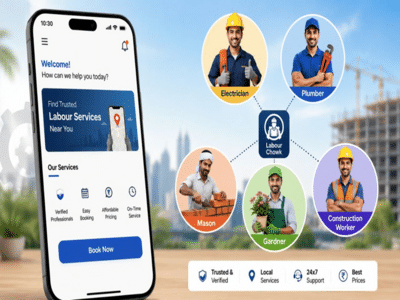
Labour Chowk App: Now find a handyman, plumber, or electrician from the comfort of your home; here is how the government's new app works..
-
Delhi Police Takes Action Against Social Media Posts Targeting PM Modi

-
Gold and Silver Prices Fall After Recent Rally; Check Latest Rates and Should You Buy Now?

-
Paytm Payments Bank to shut down; if you have funds in your account, take immediate action—UPI users should also note this update..

-
Flood Safety Gadgets: Amazing gadgets to save you from floods, buy them online today