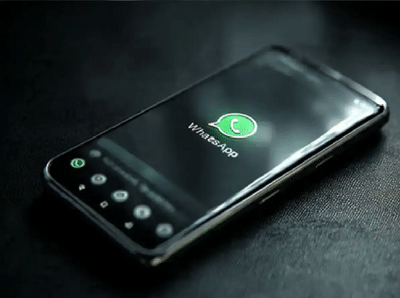
Sometimes we need to send a message to someone on WhatsApp, but don't want to save their number in our phone. In such a situation, repeatedly saving the contact and then resuming the chat can be a hassle. Fortunately, you can easily send messages on WhatsApp without saving the number.
Method 1: Chat with an unsaved number from the WhatsApp app
Some WhatsApp versions have this feature directly available:
Open WhatsApp.
Tap the New Chat icon.
Select the option to type in a number.
Enter your mobile number.
If the number is available on WhatsApp, you can start a chat directly.
Method 2
First of all, open WhatsApp on your phone and click on the 'New Chat' icon on the bottom right.
Here you will see your own number with the name 'Message Yourself', click on it and open it.
Now type the 10 digit number (with country code) of that unknown person and send it to yourself.
As soon as the number is sent, it will become a 'blue link', by clicking on which you will be able to chat with him without saving the number.
Benefits of sending message without saving the number:
The contact list of the phone remains clean.
There is no need to save temporary numbers which are used again and again.
It becomes easy to contact the business or customer.
Privacy remains better.
PC: Rochak Khabre
-
Lalit Pandit’s ‘Sai Naam Saacha’ a timeless tribute to Sai Baba
-
‘I will not apologise…’ Rahul Gandhi made serious allegations against Amit Shah, roared outside the Parliament again. Rahul Gandhi Amit Shah Allegation Students Protest Lok Sabha Speech

-
New momentum to India’s Semiconductor Mission, women playing important role in Sanand’s CG Semi. Cg Semi Sanand Semiconductor Plant Women Engineers India

-
Delhi Laxmi Yojana: Women excited over ₹2500 assistance, thanked CM Rekha Gupta. Delhi Laxmi Yojana Rs 2500 Monthly Assistance Registration Details Women Thank Cm Rekha Gupta

-
ADBE Stock At Near Two-Month Highs After FTC Grants Early Approval For Adobe’s Acquisition Of Topaz Labs