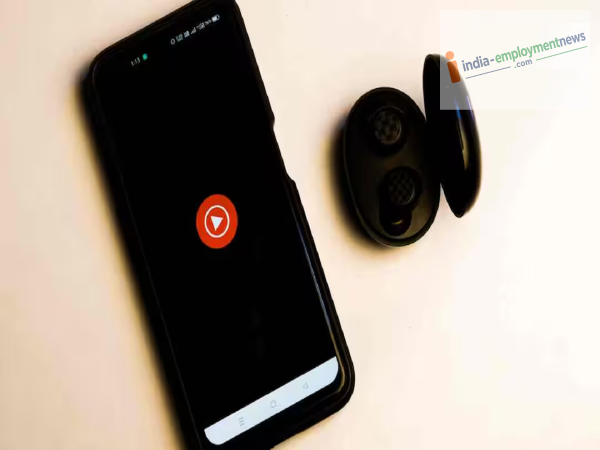
Is the audio quality on YouTube Music lacking? You can improve the sound quality by tweaking a few settings within the app.
YouTube Music: If you listen to songs on YouTube Music but find the audio unclear or lacking that rich, enjoyable sound, the app's settings might be the reason. Sometimes, even with a good phone and a stable internet connection, the audio quality remains poor. In such cases, you simply need to adjust a few settings in YouTube Music.
First, check the sound quality
YouTube Music offers an option to adjust audio quality. If this setting is set to low quality, the sound won't be as clear. You can switch to a higher quality setting for better sound. To do this, first open the YouTube Music app. Tap on your profile photo, then go to Settings. Look for the "Playback and restrictions" option and check the settings related to "Audio quality."
Wi-Fi and mobile data settings can differ
YouTube Music allows you to select sound quality based on your internet connection. If you are using Wi-Fi, you can opt for higher quality, which often results in clearer sound. However, if you listen using mobile data, high-quality settings can consume a lot of data. Therefore, it is best to choose a quality setting that suits your needs when using mobile data.
Check the quality of downloaded songs too
If you download songs to listen to on YouTube Music, check the download quality settings as well. Songs downloaded in low quality may not sound very good. If you have sufficient storage space on your phone and no internet constraints, you can download songs in higher quality.
Sound quality varies by phone
Simply changing YouTube Music settings doesn't guarantee better sound in every case. Your phone's speaker, earphones, or headphones also play a role. If your earphones are faulty or there is dust accumulated in the speaker, the sound will not be clear. So, if the sound quality doesn't improve even after changing the YouTube Music settings, check your earphones and your phone's speaker as well.
A small setting change can transform your experience.
If the sound seems low or poor while listening to songs on YouTube Music, first check the app's audio quality settings. Selecting the right setting might make the songs sound clearer and better. Just keep in mind that higher quality audio may consume more internet data.
-
Financial Horoscope Today, August 11, 2026: Cancer Signs Will Strengthen Financial Relations, Know the Status of All Signs

-
Marizanne Kapp Smashes Three Consecutive Sixes; Scores Stunning 57 for London Spirit against Birmingham Phoenix in The Hundred

-
Babar Azam vs Shaheen Afridi? Battle For Pakistan's ODI Captaincy Intensifies

-
Pet First | 7 Adorable Dog Traits That Make Them Impossible To Resist

-
ABP LIVE Doc Talk | Why Oral Health Matters During Cancer Treatment And Hospitalisation