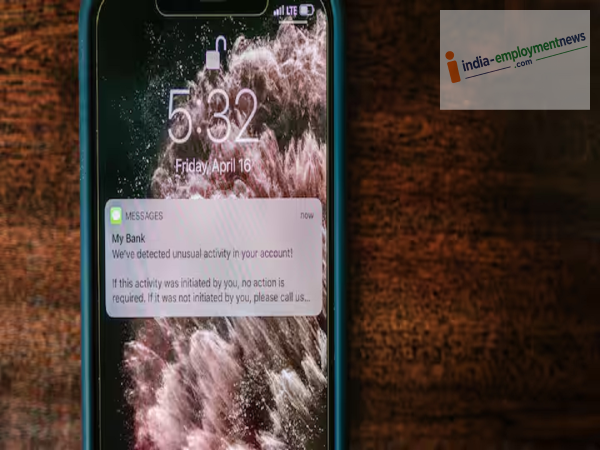
People often get worried when they accidentally delete an important notification, wondering how they can view the message again. However, smartphones have a feature that allows you to view a complete record of notifications.
Most new Android smartphones come with a feature called "Notification History." It keeps a record of notifications received on the phone, allowing you to view notifications that were accidentally dismissed. However, there is a crucial point to note: the Notification History feature must be activated beforehand. If the feature is turned off, old notifications dismissed prior to enabling it will not be visible.
The method to enable Notification History may vary slightly depending on the phone brand and Android version. Generally, the steps are as follows: open Settings and navigate to the Notifications section.
Look for the "Notification History" option here and toggle on "Use Notification History." Once activated, the phone will begin saving a record of incoming notifications.
Once Notification History is enabled, you can view accidentally dismissed alerts by going to Settings > Notifications > Notification History. Here, you will see a list of recent notifications.
This list includes alerts from various apps; so, if you accidentally swiped away a notification from WhatsApp, Gmail, a banking app, or any other application, you can find a record of it here.
This feature is available on many Android phones, though its location and name may vary depending on the smartphone manufacturer. The settings interface differs across brands like Samsung, Motorola, OnePlus, Xiaomi, and Realme. If you cannot locate Notification History, you can search for it by typing "Notification History" into the search bar within the Settings menu.
-
Breastfeeding: Breastfeeding after C Section, Easy Tips to Get Started

-
Even if the phone falls, don't stress! Realme's cheap 4G phone with a strong body enters the market; Know everything from features to price

-
EFL Cup 2026-27 — Savio nets on debut as Tottenham cruises past Charlton

-
Asian Games 2026 Cricket: ‘Tented Dressing Rooms, Washrooms 500m Away’ — Jasprit Bumrah, Shreyas Iyer May Miss as BCCI Consider ‘B’ Team India

-
Genome Sequencing to Create World Champions; 5 Year Master Plan of Gujarat Govt