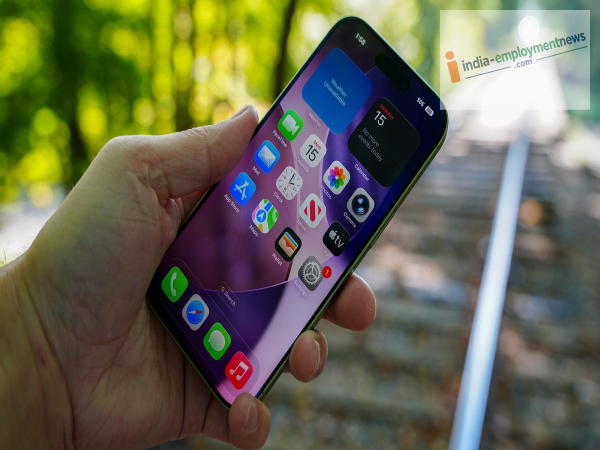
If a photo turns out blurry after you've taken it, there is no need to delete it. A Google Photos feature uses AI to enhance such photos. Here is what you need to know about this feature.
Sometimes you capture the perfect moment, only to realize later that the saved photo is blurry. Blurriness can occur due to a shaky hand, subject movement, or a lack of proper focus, obscuring the photo's details. Older photos taken with low-quality cameras can also suffer from similar issues.
To make such blurry photos usable again, Google Photos offers an AI feature that helps improve clarity and detail. This feature is called "Photo Unblur." Let’s explore what this Google Photos feature is and how to use it to clear up blurry photos.
What is the Photo Unblur feature in Google Photos?
Photo Unblur is part of the AI editing tools available in Google Photos. It works alongside features like Magic Eraser and Portrait Light. Photo Unblur uses machine learning to detect blur in a photo. It specifically identifies issues related to motion or focus and enhances the photo's sharpness, lighting, and detail. Its goal is to make the photo clearer, allowing a previously blurry image to be better utilized and shared. The feature aims to improve clarity while preserving the photo's natural tones and textures.
How to clear blurry photos using Photo Unblur?
1. Using Photo Unblur in Google Photos is very easy. First, open Google Photos on your Android, iOS, or Chromebook device.
2. Select the photo you want to fix. Then, tap the "Edit" icon at the bottom of the screen.
3. Navigate to the editing tools and select the "Photo Unblur" option. 4. Google Photos will then apply sharpening to the photo using AI. If you wish to adjust the effect, you can modify its intensity using the strength slider.
5. Once you are satisfied with the result, tap "Save copy." This saves a separate copy of the edited photo while keeping the original photo intact.
Which devices support Photo Unblur?
Photo Unblur is available on Android, iOS, and Chromebook Plus devices. For Android, a minimum of 3GB of RAM and Android 8.0 or higher is required. iOS 15 or later is necessary for iPhone or iPad. Chromebook Plus devices must run ChromeOS version 118 or later.
-
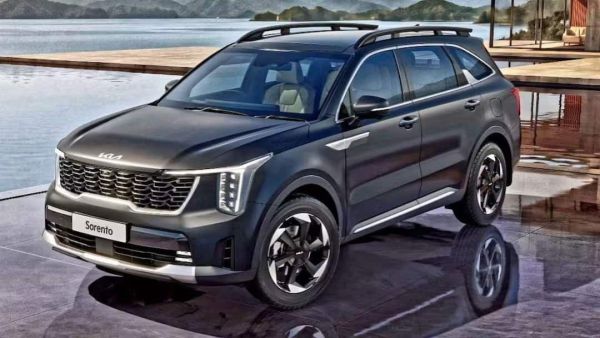
Kia Sorento Launched In India With Hybrid And Diesel
-
Kylian Mbappe only among the world’s ‘top three’, says Bacary Sagna, as ex-France star overlooks Real Madrid ace and Harry Kane while naming his 2026 Ballon d’Or pick

-
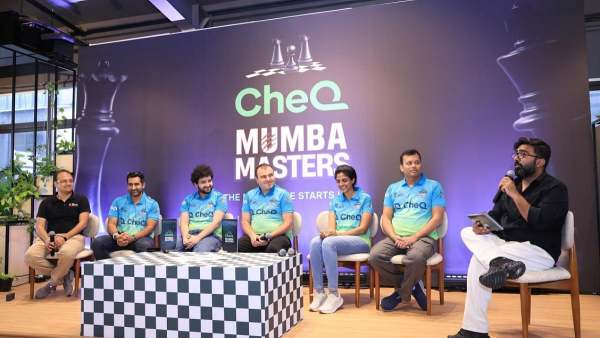
CheQ Mumba Masters Launch New Era With Interactive Welcome Event At Lead Partner Headquarters Ahead Of Global Chess League Season 4
-
Niharika Singhania Shines At Brussels Stephex Masters, Finishes Sixth In 1.45m CSI2 Grand Prix

-
How Many Satellites Does India Have In Orbit? A Look At ISRO's Fleet In The Sky