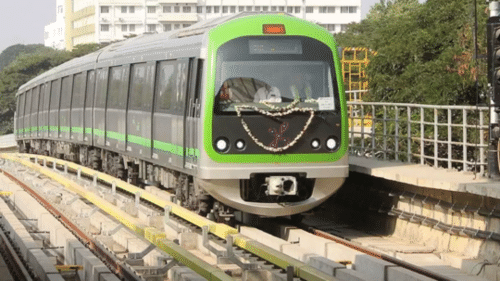
With the new Namma Metro chatbot, you can now book your tickets directly through WhatsApp. No more waiting in long lines at the ticket counters. This feature lets you purchase tickets using a QR-based ticketing service right from your WhatsApp chat. Plus, you can pay for your tickets using UPI services integrated into the app, making the whole process quick and easy. And it does not stop there, you can even use the chatbot to recharge your metro cards hassle-free.
How To Buy Bengaluru Metro Ticket Online Using WhatsApp
Here is a step-by-step guide on how to use WhatsApp to buy your Bengaluru Metro ticket:
Step: 1 Open WhatsApp on your phone and start a chat with 918105556677.
Step: 2 Once you are on the chat page, say 'Hi' to activate the chatbot.
Step: 3 Choose your preferred language. Currently, the options are English and Kannada.
Step: 4 You will receive a welcome message. Under that, select 'More options' to continue.
Step: 5 From the menu, choose 'Fare information'.
Step: 6 Now, select your starting station. You can either share your location or type in the station name.
Step: 7 Next, pick the BMRCL line you will be travelling on and choose your destination station from the list.
Step: 8 Once you have selected your route, you will receive a message confirming your journey details and fare.
Step: 9 Below the confirmation, select 'Book this ticket' to proceed with payment.
Step: 10 Follow the prompts to complete the payment using your WhatsApp-linked UPI account.
Step: 11 After making the payment, you will receive your booked ticket as a QR code right in the chat window.
-
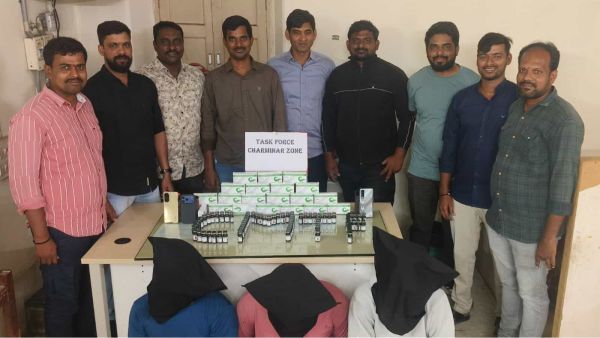
Three held for selling Mephentermine injections in Hyderabad
-
Govt to question Meta global team on issues around algorithmic bias
-
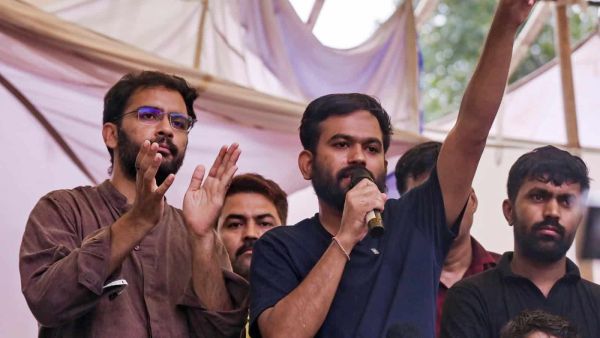
Cockroach Janta Party comes to Ruchika’s defence after FIR booked
-
SC directs Centre to aid families hit by Russia-Ukraine war
-
Rashmika Mandanna suffers serious injury while shooting