
Every photo and video received on WhatsApp is automatically getting saved in the phone's gallery, due to which the phone's storage is getting filled up? So don't worry, you just have to change a small setting which can solve your problem. (symbolic picture)

Due to the phone's storage being full, the phone starts hanging, which directly affects the performance of the phone. It is natural to get angry if the phone starts hanging again and again while on the move, but the only question that arises in the minds of WhatsApp users is how to stop photos and videos from being saved on the phone? (symbolic picture)

WhatsApp users can prevent photos and videos from being saved on the phone in two ways. First of all, you have to think whether you want to do this for all chats or for just one chat, because you will get both the options in WhatsApp itself. (symbolic picture)
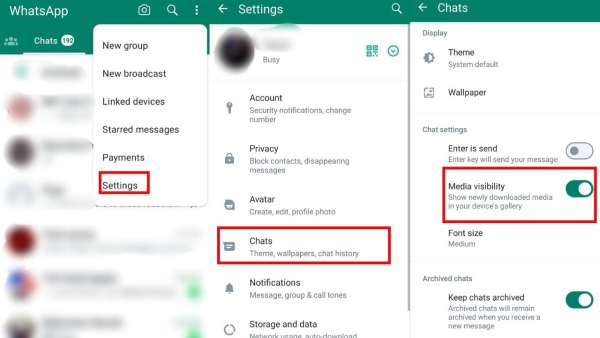
If you want any photo-video not to be saved in the phone, then first open WhatsApp. Then click on the three dots visible on the top right side and tap on Settings. After this, click on chats and turn off the Media Visibilty option. (Photo credit- WhatsApp app)
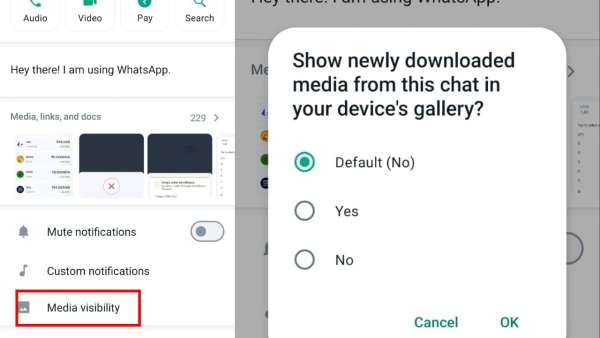
If you want to turn off this setting for any one chat, then open that chat. After the chat is opened, click on the three dots visible on the top right side and tap on View Contact. After this turn off the media visibility option. (Photo credit- WhatsApp app)
-
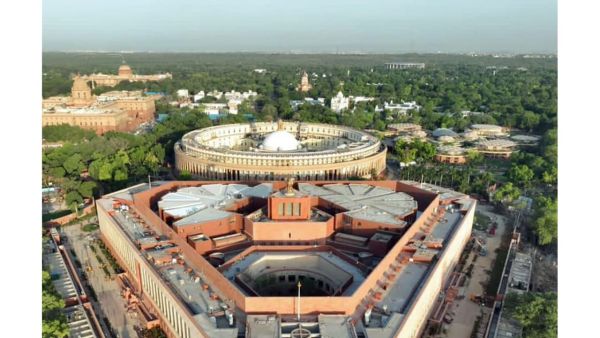
Monsoon Session: Key bills on births, deaths, SC judges in Parliament
-
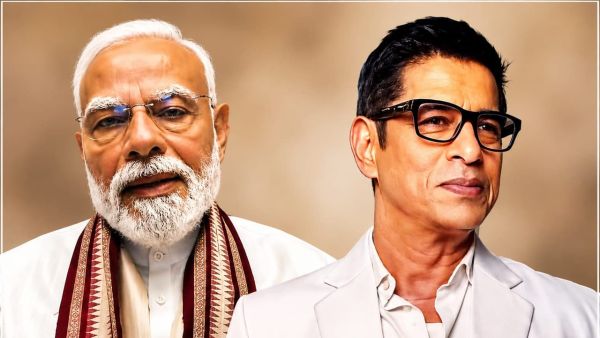
Sudesh Berry Says He Wants to Wash PM Modi’s Feet, Calls Him ‘An Avatar of Lord Vishnu’
-
Locarno Film Festival to honour Zoe Saldana and Claudio Simonetti

-
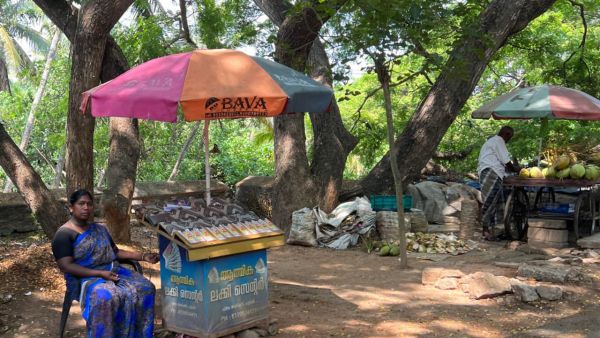
Kerala Suvarna Keralam SK-63 Lottery Result Today: Rs 1 Crore Jackpot; Check Draw Time and Details
-
Karnataka Cabinet expansion likely next week, high command to decide