WhatsApp Tips: If someone blocks you on WhatsApp, you will know it immediately, follow this trick
abplive | April 26, 2024 10:22 AM CST

Whatsapp Tricks: WhatsApp is the most popular app in the world for its great features and instant messaging. You will find it on every smartphone. The company keeps bringing updates from time to time for the safety of the users. In this context, the company has an option to block someone. If an unknown person troubles you or you do not want to keep someone on your list, you can block him. With this, you will not be able to message or call the person.
Not only this, WhatsApp does not let the other person know that someone has blocked him. But there are some tricks through which you can know whether you have been blocked or not.

Follow these tips
- If a person has blocked you, you will see the profile picture that was there at the time of blocking. If you see the same photo of that person for several days, then understand that he has blocked you.
- If you send a message to someone and a single tick remains on that message for several days, it means that the other person has blocked you. If you call him, the call will not connect.
- The best way to find out if someone has blocked you or not is to try to add that person to a WhatsApp group. If that user is not able to be added to that group, it means that he has blocked you.
- If someone has blocked you on WhatsApp, then you cannot see their last seen status. However, sometimes the user is not able to see the last seen due to privacy settings. If you do not see the new photo of the contact, then understand that you are blocked.
READ NEXT
-
Kalonji Seeds: From joint pain to sugar control, you will be surprised to know these 5 benefits of Kalonji.

-
Importance of SPF and PA ratings of sunscreen

-
Tulsi Plant Vastu Guide: Is it auspicious or inauspicious to keep 2 or 3 Tulsi plants in the house? Know the correct rule of Vastu Shastra

-
Strong comeback of Thalapathy Vijay from ‘Jana Nayagan’, whistles echoed in theaters on clash with Bobby Deol

-
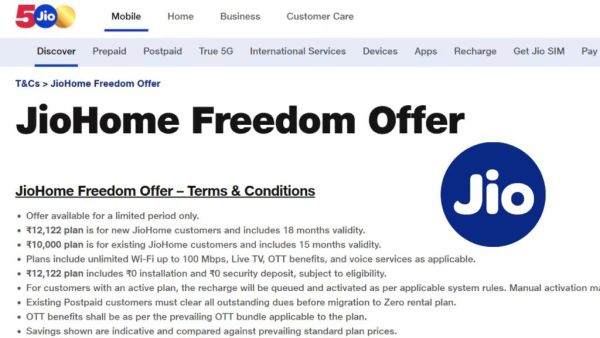
Jio launches new Freedom Pack: 15 months validity, 100 Mbps speed and 12 OTT apps for ₹ 10,000