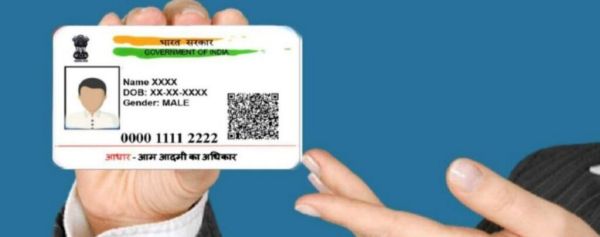
Without Aadhaar Card (Aadhaar Card) people’s life is practically immobile now. Aadhaar card is required for various purposes from birth to death. Aadhaar card is required for many government jobs as well as many private jobs. So it is important to keep Aadhaar card always updated. But sometimes danger comes unexpectedly. For example, many times you have to sit with your hands on your head due to the loss of your mobile phone. One of the biggest problems faced by lost mobiles is related to Aadhaar.In fact currently Aadhaar, PAN numbers are linked with phone numbers. So if the phone number is blocked due to some reason, there is also problem in doing Aadhaar and PAN related work. If the phone number is changed for any reason then how to update it in aadhaar card? This report details the process of updating mobile number in Aadhaar card.To update the new number in Aadhaar card it is mandatory to visit the nearest Aadhaar service center. Go there and fill a form. Biometric information will then be accepted. First visit the nearest Aadhaar service center to book the slot to update the number. For this, first go to the official website of Aadhaar online.Go to the website and select My Aadhaar option. Then click on Locate an Enrollment Center option. Then the list of nearest Aadhaar centers will appear according to the house pin number. Choose your favorite among them. The new mobile number will be updated within seven days after registering the new number at the Aadhaar center.