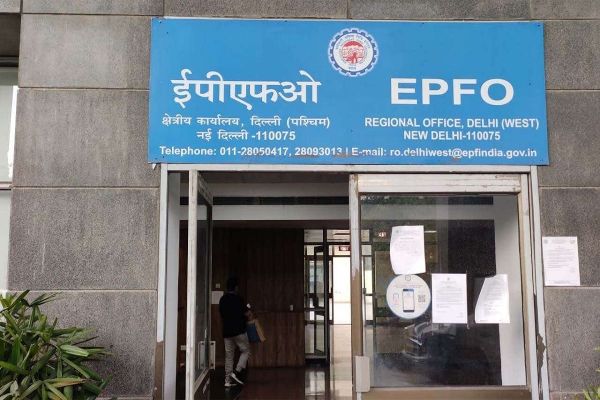
Employees’ Provident Fund Organization (EPFO) members now get most of the facilities online. If AADHAR number is linked to the mobile it is very easy to update different information related to your EPF account. You can update it through EPFO or Umang app. But you need to register the mobile number with your PF account to receive an OTP on this number.It is also important to check that the mobile number you register on your PF account needs to be active. In case the mobile number you registered in the EPFO account no longer works you can change it sitting at home.How To Update New Mobile Number On EPFO?Login to UAN Portal on your laptop or mobile through link Enter your UAN number, password and captcha code to login.After successful login it will take you to the new page, click on the manage tool tab present in the top bar and go to contact details.Click on check mobile number option, it will take you to the new section. Enter your new mobile number twice over here.Then click on ‘Get Authorization Pin’, you will see a new number. You will recive a 4 digit PIN on this number. Enter this PIN in the empty box present on the page and click on Save Changes below.After completing this process, your mobile number will be updated on the UAN Portal. You will also receive a message from EPFO about the update of the new number.
-
Maharashtra Cabinet Approves ₹80.12 Crore For Phase-II Expansion Of Gadchiroli District Sports Complex
-
Mumbai Indians All-Rounder Mahipal Lomror Joins Surrey For Remaining Final County Championship Matches

-
Maharashtra Universities Asked To Ensure Quality Education, Healthcare Facilities And Student-Friendly Campuses

-
Dr Antonio Da Silva College Dadar Turns Co-Educational After 150 Years, Welcomes First Female Junior College Students

-
Love Horoscope Today for Wednesday, August 19, 2026: Virgo Signs Will Have a Pleasant Time with Family, Know Your Sign’s Situation