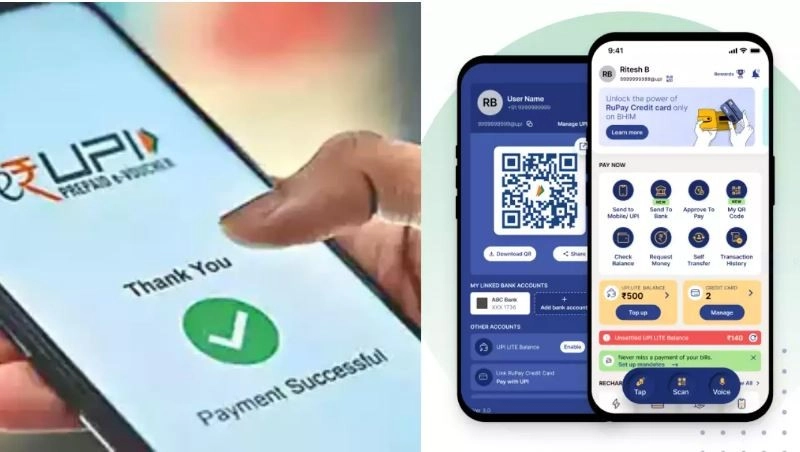
UPI app feature: Nowadays we see smartphones in the hands of many people. Financial transactions can be done with the help of the UPI app in this smartphone
Request money on UPI App: We do financial transactions with the help of UPI app in smartphone. Financial transactions have become easier with the help of UPI app. This app has various features and you might not know how to use it. One of the features is that you can ask someone for money. Let's know what this feature is and how to use it..
How do you request money from a user through BHIM App?
First open BHIM app
Then enter your passcode
Then tap on Request Money option
Now enter the UPI ID or number details in the search box.
Then tap on Verify.
After this you can send desired amount and message or remark.
Then click on Request.
Now the request cent will appear on the screen.
Here you will see amount, transaction id, time, date and remark details.
You can send this receipt to the other person via WhatsApp, Quick Share, Mail or Message.
Where will UPI users get the message?
UPI users get request money message or money request message through notification. Along with this, this message is available on apps like Paytm. This message sent from BHIM app is also received by other UPI users through text messages.
-
Today’s weather, August 13: Winds will blow at a speed of 85 km, heavy rain alert in 16 states

-
Rain quota could be fulfilled only in eight districts, 4.6 inches of rain needed in Eastern Madhya Pradesh

-
Weather 13 August: Alert of torrential rain in 16 states

-
Leeds United player ratings against Manchester United: James Trafford and Wilfried Gnonto impress in Croke Park draw

-
Alejandro Garnacho gets key backing from Premier League great Brad Friedel after tough start at Aston Villa