With billions of users worldwide, WhatsApp is a very popular and helpful messaging program since it keeps adding new features. However, WhatsApp sometimes stops supporting older smartphones that are unable to implement the new features and get security upgrades to protect them. Over 35 Android and iOS devices combined are reportedly going to lose WhatsApp functionality in the next few weeks.
WHATSAPP WILL QUICKLY QUIT WORKING ON 35 smartphones. REASONABLE: WhatsApp has taken care to periodically modify the minimal system specifications needed to use the messaging program on smartphones. Additionally, you need an Android phone running version 5.0 or above due to the latest update. In a similar vein, you need an iPhone device that supports iOS 12 or later. It is thus imperative that you update your smartphone as soon as possible if your device is still limited to supporting software versions lower than these. Otherwise, you risk losing access to the well-known messaging service.
WHATSAPP SUPPORT WILL BE LOST FOR SMARTPHONES SOON: FULL LIST
Brands like Samsung, LG, and Sony are on this list because 35 phones—both Android and iOS—are losing support.
Samsung
Samsung Galaxy Ace Plus
Samsung Galaxy Core
Samsung Galaxy Express 2
Samsung Galaxy Grand
Samsung Galaxy Note 3
Samsung Galaxy S3 Mini
Samsung Galaxy S4 Active
Samsung Galaxy S4 Mini
Samsung Galaxy S4 Zoom
Motorola
Moto G
Moto X
Huawei
Huawei Ascend P6
Huawei Ascend G525
Huawei C199
Huawei GX1s
Huawei Y625
Sony
Sony Xperia Z1
Sony Xperia E3
LG
LG Optimus 4X HD
LG Optimus G
LG Optimus G Pro
LG Optimus L7
Apple
iPhone 5
iPhone 6
iPhone 6S
iPhone 6S Plus
iPhone SE first-gen
By heading to Settings > About Phone > Software Version on Android, you can find out what software version is installed on these handsets. If you have an iPhone, you can find out more by going to General > Settings > About iPhone.
-
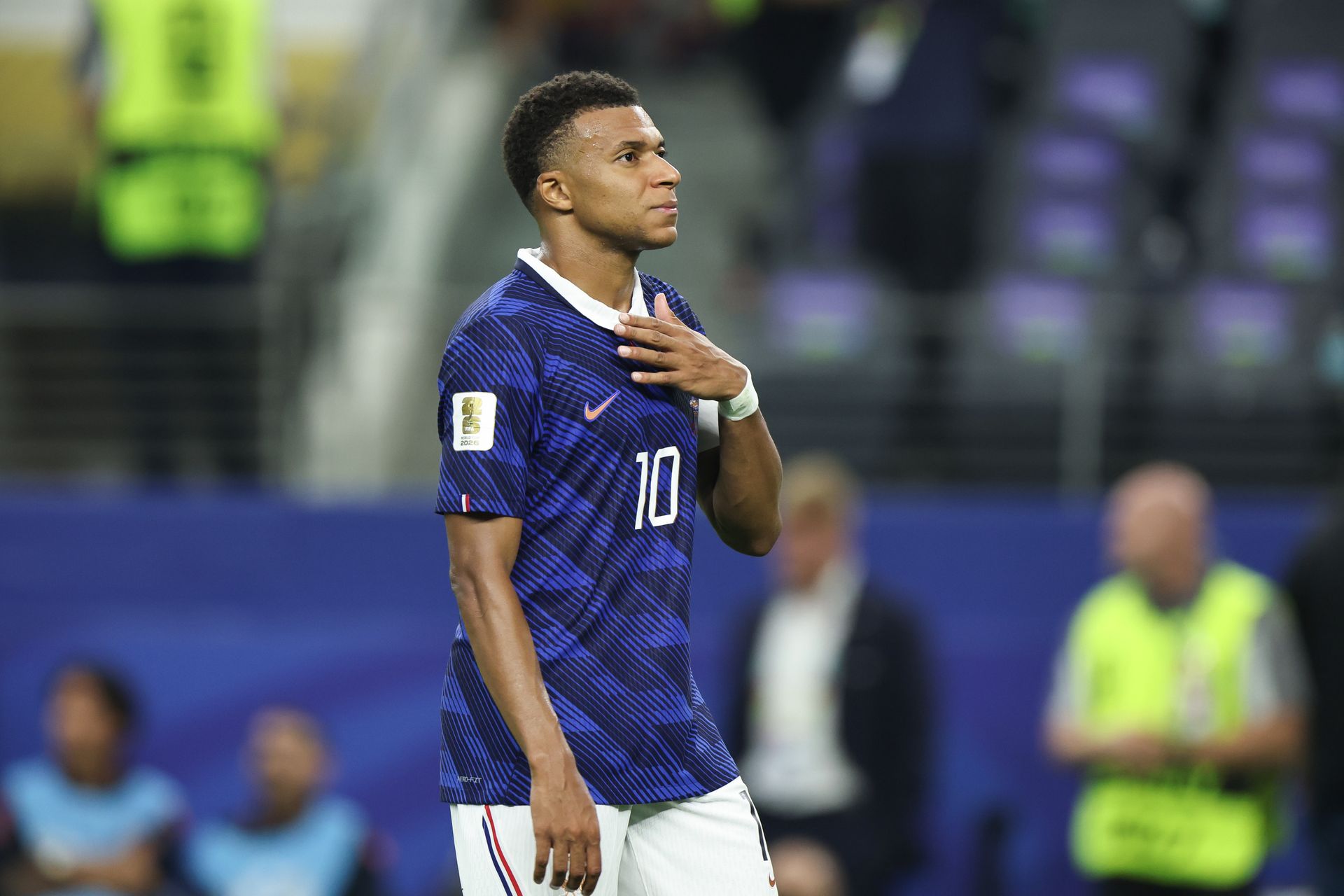
France player ratings vs Spain: Kylian Mbappe and Michael Olise fail to shine while Lucas Digne endures a nightmare as Les Bleus miss out on third consecutive World Cup final
-
Record partnership, highest total: Buttler, Brook add insult to India's injury
-
World Cup 2026: Do Goals from the Third-Place Play-Off Count Towards the Golden Boot Race?
-
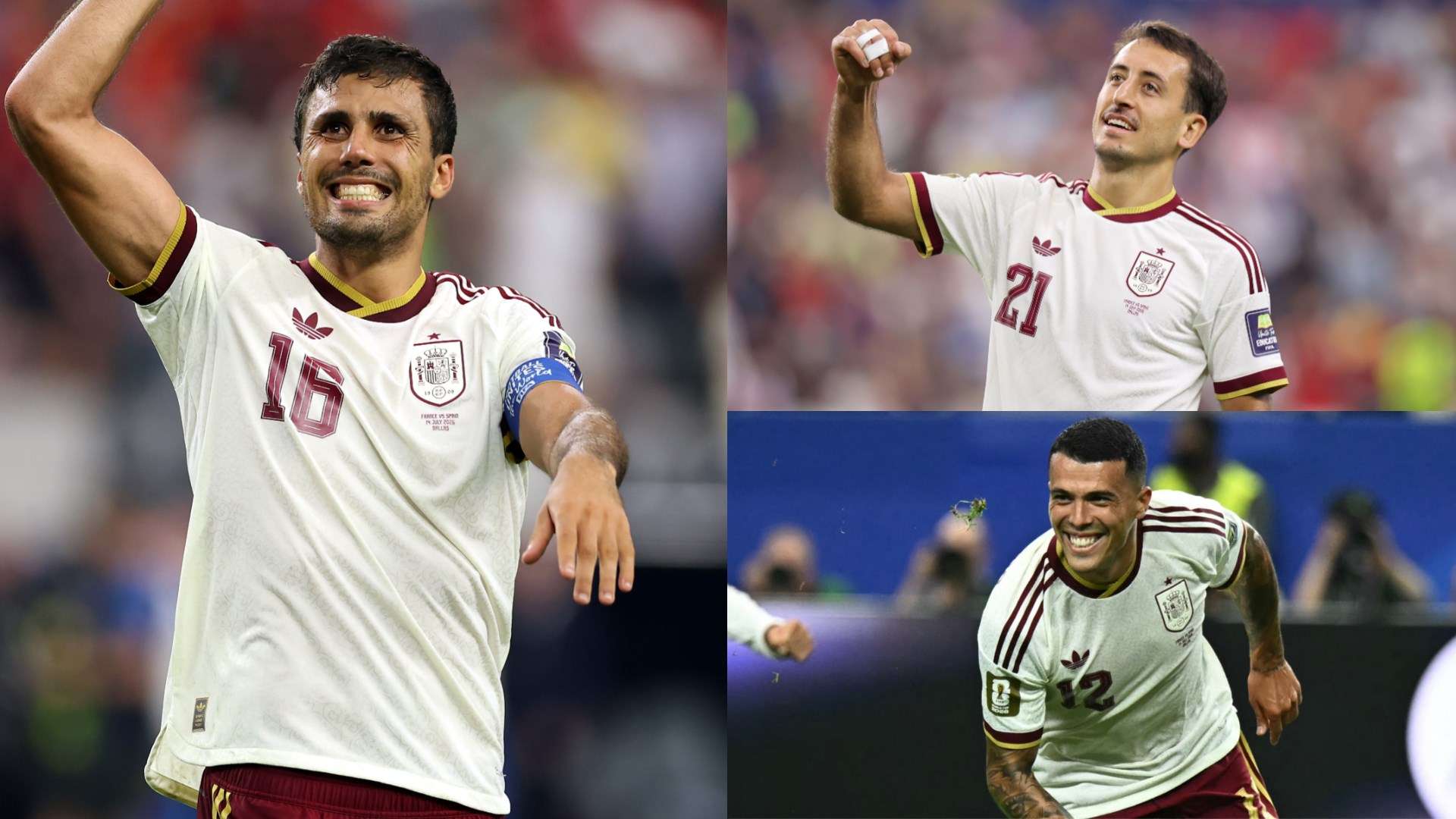
Spain Player Ratings vs France: Rodri Commands Midfield as Mikel Oyarzabal and Pedro Porro Send European Champions to World Cup Final
-
Manchester United plan one more signing as midfield overhaul gathers pace