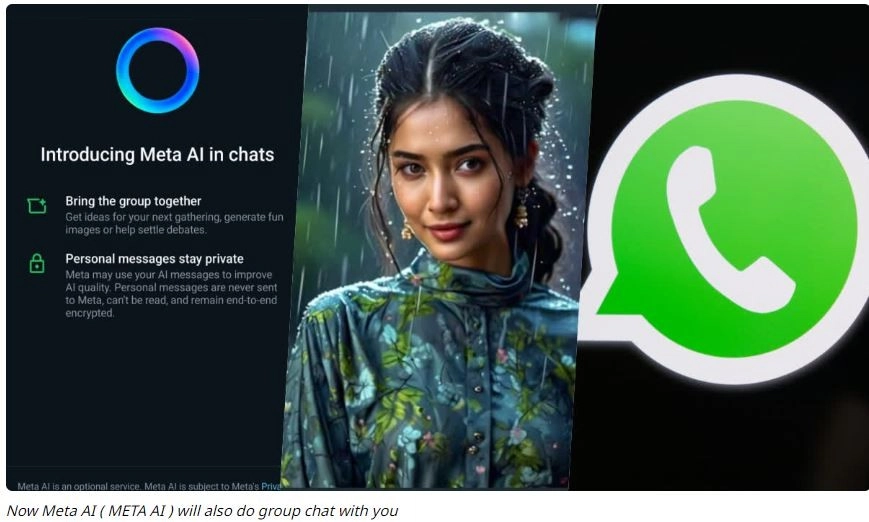
Meta AI group chat: In the last two to three years, there has been a lot of discussion about AI (Artificial Intelligence) in the IT sector. Now Meta has given AI feature to its users. Meta has launched a chatbot named Llama-3 on its other platforms including WhatsApp. With this, you can know the answer to any kind of questions. Along with this, you can also use it in group chat.
Meta AI chatbots: Instant messaging app WhatsApp currently has crores of users. WhatsApp launches new features from time to time for its users. Meta has now added AI feature on its platform to give a new experience to its users. This AI feature is being discussed everywhere. This feature is visible as a blue icon on the right side of the chat interface on your WhatsApp. This is a type of chatbot. You can use it in many ways.
Users can also use it in group chats. This chatbot feature will help you as well as other people in the group. You can use Meta AI in WhatsApp group chats to ask any kind of question or get any suggestion. Other people in your group chat will be able to see your question sent to Meta AI as well as the answers sent by Meta AI.
How to use it in group chat
First of all, go to any of your WhatsApp groups. Type @MetaAI in the chat box. Accept the terms and conditions in the next step. After this, type your question in the group. The chatbot will answer your question in a few seconds. This way, you do not need to resort to Google searching to find the answer to any question during group chatting. To answer any prompt you send, messages of Meta AI and other characters are generated with the help of Artificial Intelligence (AI). Meta's service is used for this. This information has been shared by Meta itself.
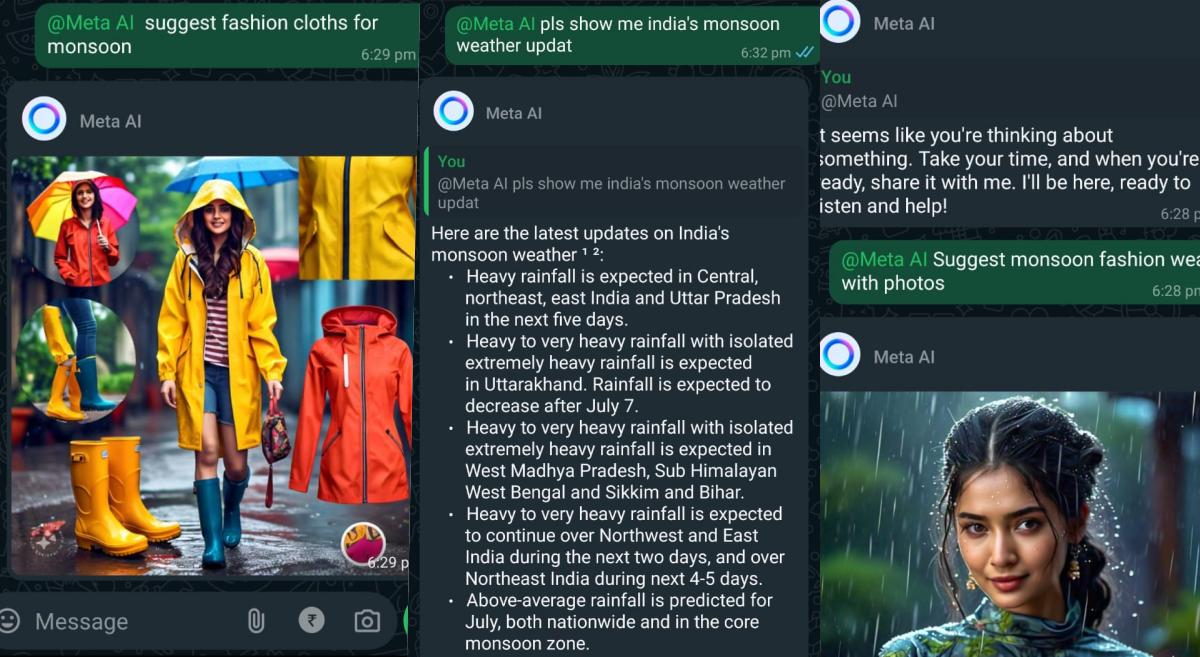
Are you afraid of data theft?
Now people have many questions in their minds about WhatsApp AI. Is Meta AI reading our chats and calls in group chats? Is AI stealing their data? But there is no need to worry. Meta AI can only read or answer those questions in which @Meta AI is tagged. Your personal messages and calls will remain end-to-end encrypted as always. This means that WhatsApp or Meta cannot see or listen to them. Meta always uses AI chats in accordance with Meta's privacy policy. Using this feature means that you accept Meta's terms of service related to AI. If you want, you can delete the chat done with AI or request to delete the information shared with Meta AI.
Do not share personal information
Do not share your personal information with WhatsApp Meta. Any of your passwords, identity documents, personal information or any information about yourself that you do not want AI to use. Such confidential information can become a problem for you in the future.
Keep this in mind: WhatsApp AI is an artificial intelligence of meta. It understands your question and then answers it. This high-capacity chatbot analyzes your question after checking it on a large number of data to answer it. For this, it uses machine learning algorithms. Sometimes it can misunderstand your question and give the wrong answer. Therefore, if there is any doubt, you should confirm its answer by going to an authentic source or website.
-
Zebra Fire Erupts Near Azusa Canyon, Firefighters Respond Swiftly

-
Who Are the Influential Voices Supporting the Hunger Strikers in Delhi?

-
Nitin Gadkari's Controversial Take on Fuel Efficiency Amid E20 Petrol Debate

-
Wear this lucky colour on Tuesday to boost confidence, courage and positive energy

-
Why Am I So Thirsty While Breastfeeding?