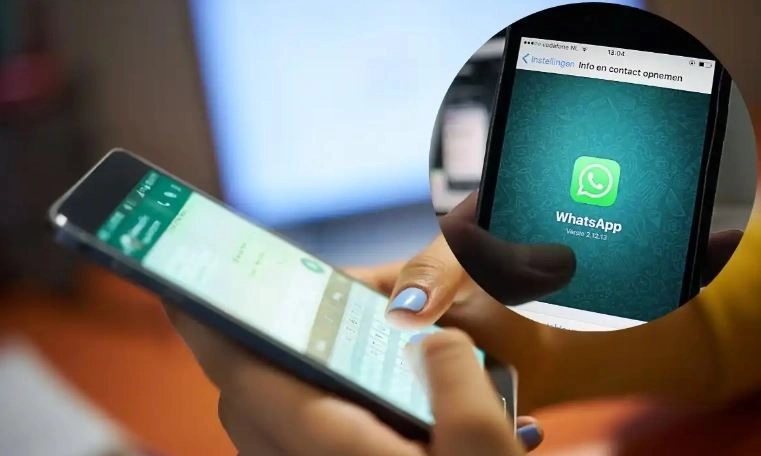
WhatsApp has started updating itself since the day it entered the market. The most attractive thing about this messaging application is that it introduces new features every time, these features are introduced to overcome small problems of the users. In 2024, WhatsApp has introduced some major features to improve user experience.
Some important updates have come on WhatsApp in 2024
These new updates include multiple account support, multi-device support, pinned messages, reply from lock screen, polls and quizzes, screen share and many more. Today we are going to tell you about that feature of WhatsApp, which people were demanding for a long time, here we are going to tell you about multi-device support. With the help of this feature, you can run the same account on 4 different devices at the same time. Let us know what you have to do for this.
What is multi-device support?
With the help of this feature, you can use the same WhatsApp account on multiple devices at the same time. This becomes more useful when a person wants to use his WhatsApp on multiple devices. If you want this, then you are going to like this feature of WhatsApp very much.

Let us now know how you can use this feature on your phone. With the help of this feature, you can run the same WhatsApp account on many different phones. However, you will continue to use WhatsApp Web as you were using it.
How to set up multi-device support?
For your information, let us tell you that linking WhatsApp to your laptop via the web is not a new thing. You just have to scan the QR code from your primary phone, after which all the chats of your phone start appearing on WhatsApp Web.
However, the biggest problem was arising when you were accessing the primary account on different phones. This was prohibited until some time ago, however, now it has become very easy to do so with the help of multi-device feature, which means you can use your primary WhatsApp account on different smartphones. However, for this, you will have to enable companion mode on your second phone, for which you will have to download WhatsApp on this phone as well.

- After downloading and installing WhatsApp on another phone you will need to agree to the installation and privacy policy.
- Now you will see three dots in the upper right corner of the screen, after clicking on it you will be asked for your current number.
- By clicking on these three dots, a drop-down will open, in which you will get the option to link this phone as a companion device.
- After selecting this option, on the next screen you will be asked to scan the QR code. As soon as you scan this code, your primary phone and secondary phone will start running WhatsApp simultaneously.
- By following the same process on the third and fourth phone, you can easily run the same account on multiple phones simultaneously.
Limitations of Companion Mode
For your information, let us tell you here that Companion mode also has some limitations. There is no facility to add live location and status on the companion phone. If you do not use your primary phone for more than 14 days, WhatsApp will automatically log out from the rest of the phones running on this mode.
-
India Urges US To Reconsider Proposed 12.5% Tariff, Calls USTR Report Flawed

-
E20 Petrol Is Now India's Standard Fuel: Which Countries Use Ethanol-Blended Fuel?

-
Novak Djokovic Shares Emotional Post After Wimbledon 2026 Semi-Final Loss To Jannik Sinner, Says 'I Have No Words'

-
Novak Djokovic's Ear Seeding At Wimbledon 2026 Sparks Curiosity; Here's What The Wellness Therapy Is

-
Man partially sucked out of Ryanair flight, saved by passengers