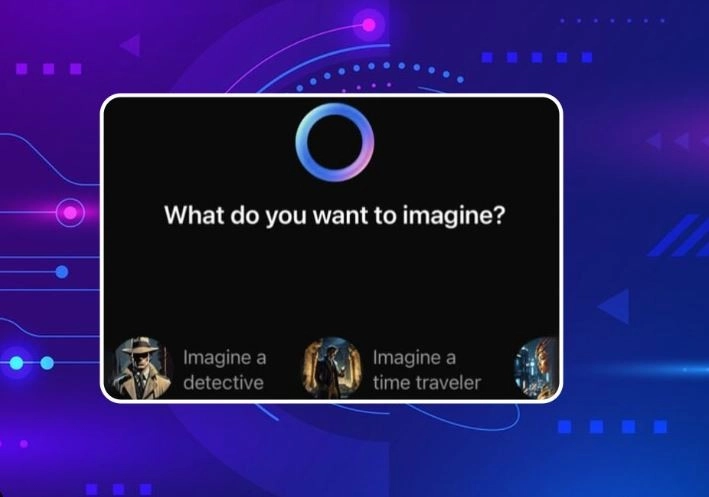
After the Meta AI update, people now ask for answers to their questions on WhatsApp instead of Google. Let us tell you that now you can not only ask questions but also create your imagination while typing the word.
Imagine Meta AI Feature: Nowadays most people spend their time on social media. But, if we talk about the most useful messaging and popular app, then it is WhatsApp. About 84 percent of India's population uses this app for everyday work. WhatsApp keeps making new updates from time to time to make the work of users easier. Recently, the introduction of Meta AI feature on WhatsApp has made it very easy for people to work. Let us tell you that now you can create images by just typing with the help of WhatsApp Meta AI's new feature Imagine. Let's know how to use this feature.
Meta AI made the work easy
With the advent of WhatsApp Meta AI, not just one but many tasks have become easier. With Meta AI, you can find answers to your questions as well as get your favorite picture made. Earlier AI understood only the English language. But now you can ask your questions by typing in Hindi language.
How to use AI (How to use whatsapp meta ai)

To use AI, you first need to update WhatsApp. After this, you will see a blue circle on WhatsApp. Now click on it and accept the terms and conditions. Immediately after accepting, you can use the feature of Meta AI . You can use it in 12 other languages including English.
Also read- Whatsapp Meta AI updated, you will get many suggestions with one click on the search bar
How to create your favorite picture with the help of Imagine Meta AI
To create a picture on AI, we used to open the AI chat and as soon as we typed / on the typing box, the option of Imagine would appear. After clicking on it, the user had to type whatever picture he wanted to create and upon entering it, your favourite picture would appear on the screen. But do you know that now you can create your favourite picture without going to the AI chat box? Let us tell you how.
- To create an imagination picture without going to the AI chat box, first open WhatsApp.
- After this, open the chat box of the person to whom you want to send the photo.
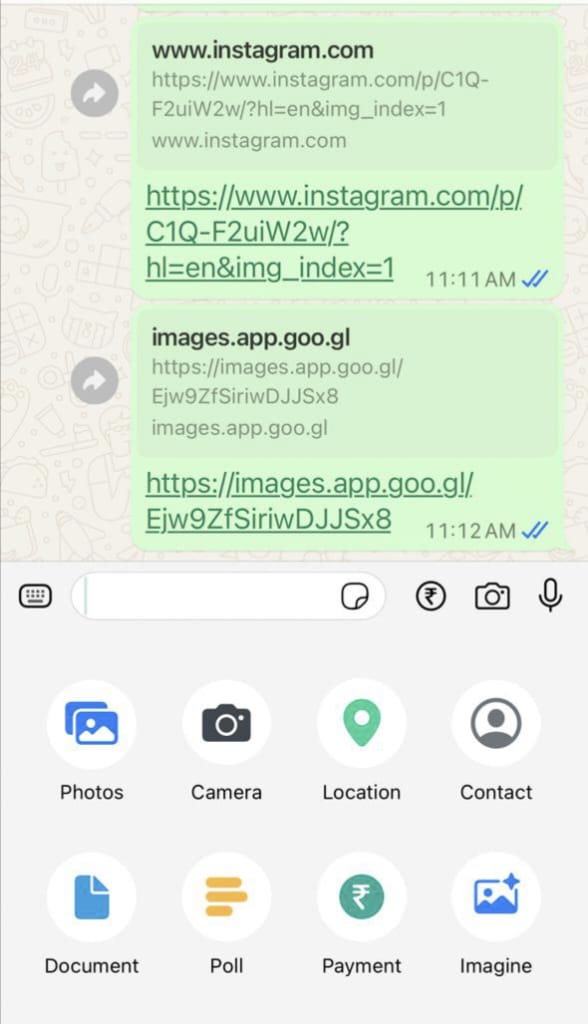
- Now click on the attachment symbol appearing on the typing bar.
- After clicking, you will get the option of document, camera, gallery, audio, payment, location and poll. In this bar, you will see the option of Imagine at the last.
- After clicking on the Imagine option, a page will open on your screen.
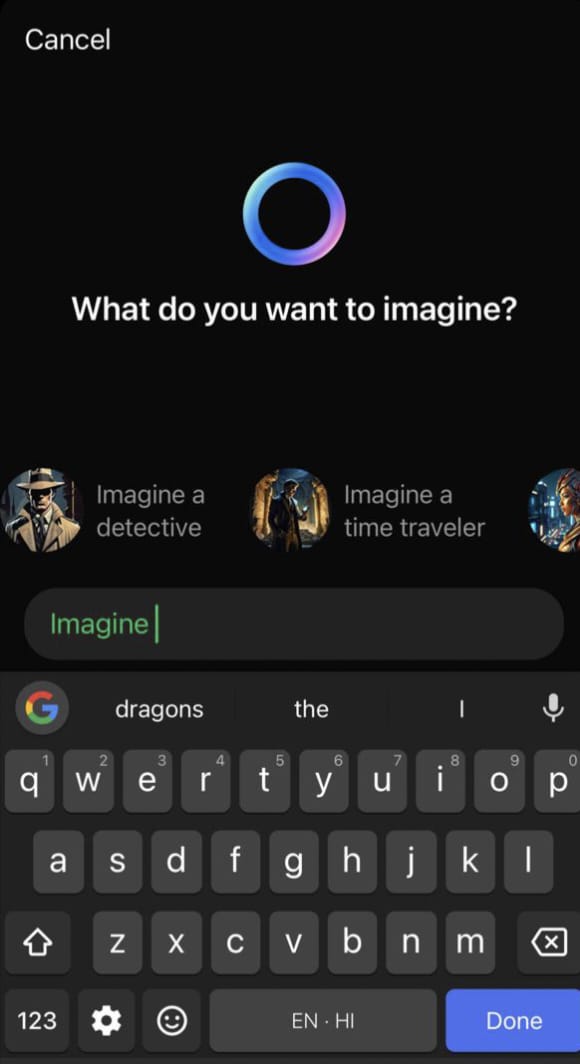
- On this you will get written What Do You Want To Imagine.
- As soon as you type your imagination on the typing box shown here, the picture you have imagined will appear before you.
- Along with the image, you can also convert it into GIF. For this, click on the blue arrow.
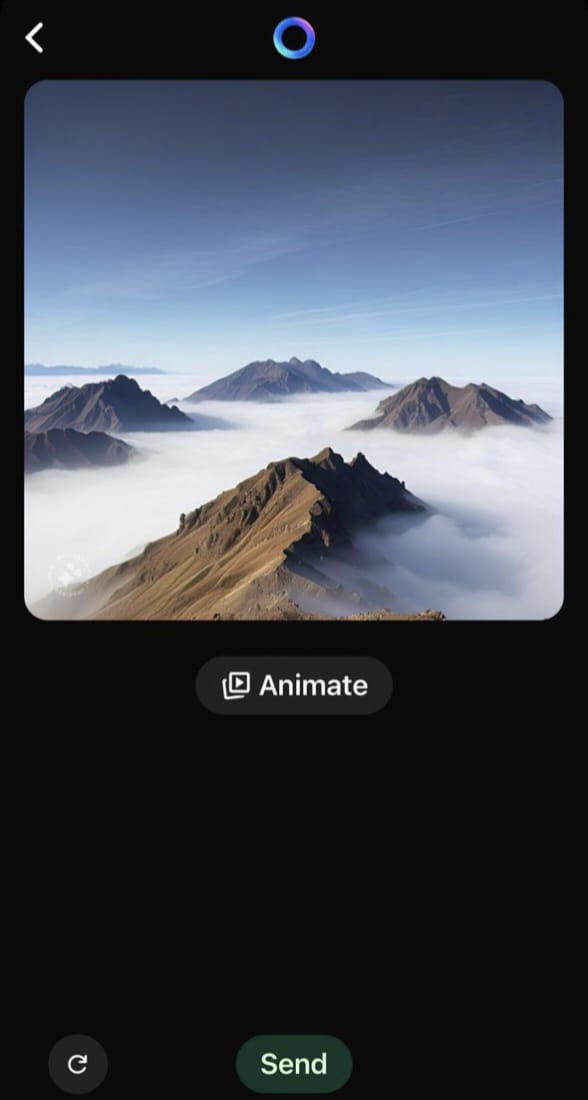
- After clicking, the option of Animated will appear below the picture.
- After clicking on this, within a few seconds you can convert your photo into GIF Animation.
-
Hyderabad man beaten to death by friends over ganja dispute

-
SC to hear Ram temple donation case pleas on July 13

-
Akhil Akkineni’s wife Zainab gets emotional as she watches Lenin

-
Horror as woman dragged by 4 men into field and gang raped while drunk husband passed out

-
Wayanad landslide: Ensure ex-gratia to deceased, injured disbursed on time, says Kerala HC