
Today every second smartphone user is using Meta's popular chatting app WhatsApp. Many times personal and professional numbers are also added to a user's phone. There is often a fear of missing a work chat between so many numbers of home and work. No matter how many times a user opens and checks WhatsApp, due to too many messages, many times the work messages go down in the list. It happens with every user that some WhatsApp messages are unread on his phone. The good thing is that you can always stay up to date with your WhatsApp messages. For this, you can use a special feature of WhatsApp itself. Here we are talking about WhatsApp's unread message filter-
What is WhatsApp's unread message filter?
WhatsApp provides different filters to its users. As soon as you open WhatsApp, you will see All Unread Favourites and Groups filters in the top bar. With the unread filter, you can check all the messages in the app that you have not read. Unread messages are shown by filtering in this list. Group and individual chats can be seen here.
How to check unread messages on WhatsApp
First of all, you have to open WhatsApp.
Now if the top bar is not visible, you can drag the screen downwards.
Now you have to tap on Unread next to All.
Now all the messages that you have not read will be visible on this screen.
-
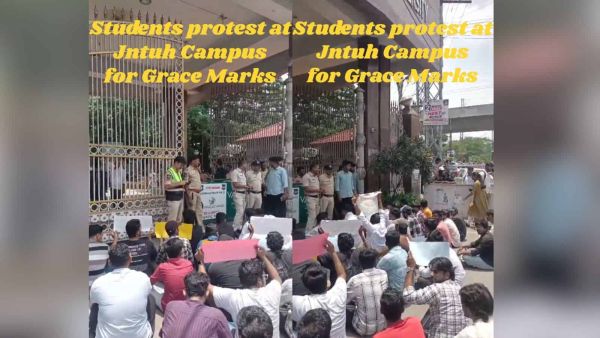
Students protest over grace marks allocation at JNTU in Hyderabad
-
Telangana to set stage for 2036 Olympics: CM Revanth

-
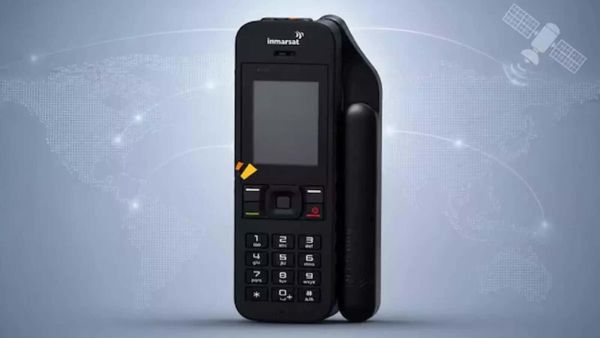
BSNL announces satellite phone for Rs 1.34 lakh
-
Real Madrid Confirm Alvaro Carreras Stay Despite Chelsea and Manchester United Interest

-
Fundamentum Launches ₹2,200 Cr Fund; Nandan Nilekani Steps Back From GP Role