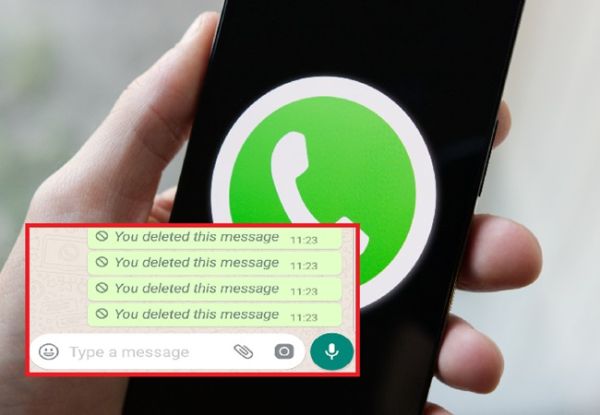
How to Read Deleted Messages of WhatsApp: WhatsApp keeps bringing new features for the convenience of its users, but sometimes people also get upset due to these features. Actually, many times people delete the message immediately after sending it, due to which it is not known what message they had sent. However, now the deleted message on WhatsApp can be read through some steps, about which we are going to tell you.
Read :- Big action by Google, these mobile apps will be deleted from September 1
how to read deleted messages on whatsapp
1- First of all, go to the settings of your smartphone and click on the notification option.
2- After this click on the option of More or Advanced Settings.
3- Then click on the notification history option.
Read :- Motorola budget phone launched with Snapdragon 6s Gen 3 chipset and 50 MP camera; Check price and specs
4- Now you will see all the deleted messages.
Note:- To see the deleted messages on WhatsApp, you have to keep the WhatsApp notification option enabled on the app, only then you will be able to read the deleted messages. By keeping the notification of WhatsApp messages on, as soon as the message arrives, the notification of that message also comes in the notification of the phone, due to which the deleted messages are also visible when you check the notification history in the phone.
-
Egypt Star Blasts Referee, Claims Argentina Were Gifted the Cup

-
Lionel Messi sheds tears of joy as Argentina's greatest escape in FIFA World Cup sends them to the quarter-finals

-
Ahad Raza Mir, Maya Ali’s fun BTS moment wins fans over
-
Daily Tarot Horoscope For Wednesday, July 8, 2026

-
What Is The Speed Limit When Towing On A US Highway?