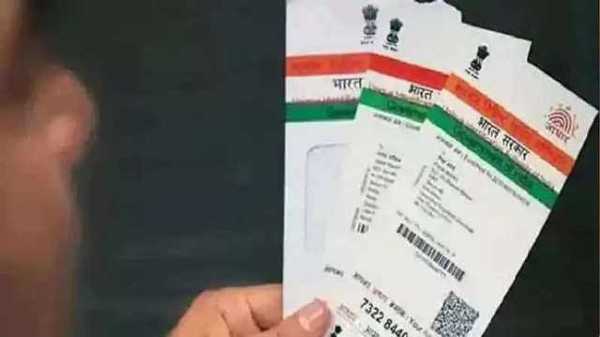
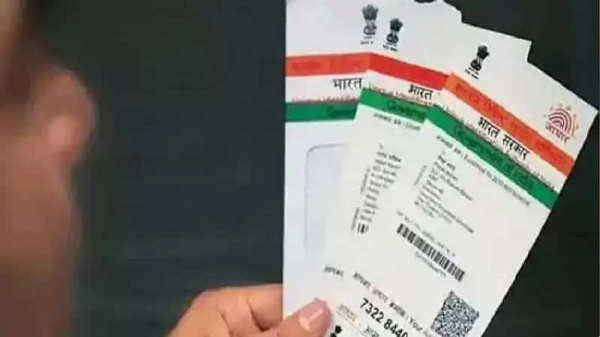
If we talk about India, then various types of documents are required for various government and non-government works, one such important document is the Aadhaar card which is a necessary document for SIM card, bank account, or other works, given its importance, it is important to protect your Aadhaar number to prevent misuse and ensure that your personal information remains safe. There is the ability to lock and unlock your Aadhaar number through the UIDAI website or mAadhaar app. Let's know complete information about it-
Get VID
Before locking your Aadhaar number, you will need a 16-digit Virtual ID (VID). If you do not have an Aadhaar, you can generate it through SMS service or the UIDAI website.
Locking through SMS
- Send an SMS to 1947 in the following format: `GVID [last 4 or 8 digits of your UID]`
Locking through UIDAI Website:
- Visit [UIDAI Website](https://resident.uidai.gov.in/aadhaar-lockunlock).
- Under the “My Aadhaar” tab, select “Aadhaar Lock & Unlock Services”.
- Select the “UID Lock” option.
- Enter your UID number, full name, and PIN code.
- Enter the security code displayed on the page.
- Click on “Send OTP” or Use “TOTP” and then click on “Submit”.
Confirmation After completing these steps your Aadhaar number will be successfully locked.
-
Jharkhand Students’ Protest Reaches Supreme Court; PIL Demands CBI Probe, Cancellation Of JPSC Exam

-
Senate Confirms Cameron Hamilton to Lead FEMA Alongside 73 Trump Nominees

-
Toxic Trailer: Yash Serves Gore And Machismo As Kiara Advani, Nayanthara Struggle For Space

-
Inter Miami vs Monterrey Free Live Streaming Online and Telecast of Leagues Cup 2026

-
Padikkal seals No. 3 spot with stylish hundred as Jaiswal, Pant fail