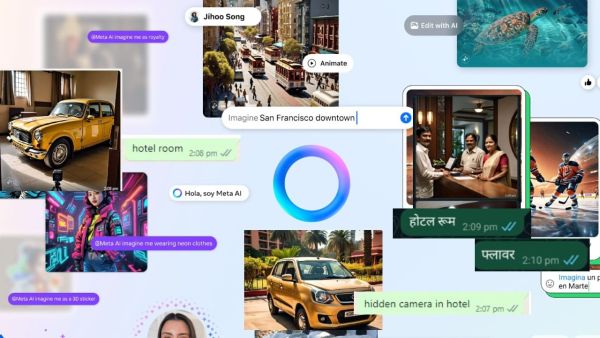
It would not be wrong to call WhatsApp Meta AI confusing, if you use WhatsApp Meta AI to generate photos then you must have also experienced this. Actually Meta AI reads your first command but is unable to read the rest of the commands after that, it gives the image as per the first command in the result. Read full details here about what is going on on Meta AI.
How did Meta AI get confused?
When Meta AI was given a new command, it generated a photo as per its previous command and sent it. By the way, we have also experienced ourselves that when we generate a photo on Meta AI, many times the photo does not appear as per the prompt. For example, the previous command “make image of yellow car on street” did generate the photo, but when we searched by typing Hotel Room, it showed the yellow car parked in the hotel room. Whereas, when we searched by typing Magnifying glass, Meta AI did not stop chasing the yellow car, it also created a magnifying glass along with the yellow car in the result. Basically, it keeps adding the other commands to your first command and generates a photo.
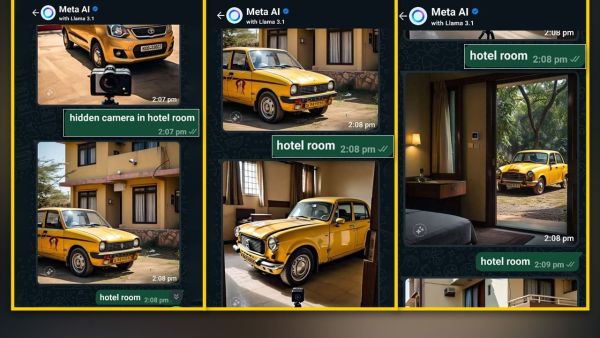
Whatsapp Meta AI
How does Meta AI work on WhatsApp?
If you have not started using WhatsApp Meta AI yet, then you can use it. For this, you can just click on the blue circle showing on WhatsApp and fill in the required details and start the chat. In the chat, you just have to write the prompt in few words.
Whatever prompt you write, its image appears in front of you. In this, you can give prompts in any language, Hindi or English. Not only this, you can also get content, resume or food recipe on it. Apart from this, if you are a content creator, then you can also get SEO points for your social media. This will tell you well what kind of content you should create and what things you have to pay attention to.
-
International visitors bring Vietnam $9B in H1
-
5 desk gadgets that can make your workday better

-
Lenovo Legion Y700 Gen 5: The Ultimate Android Gaming Tablet With Snapdragon 8 Elite Gen 5

-
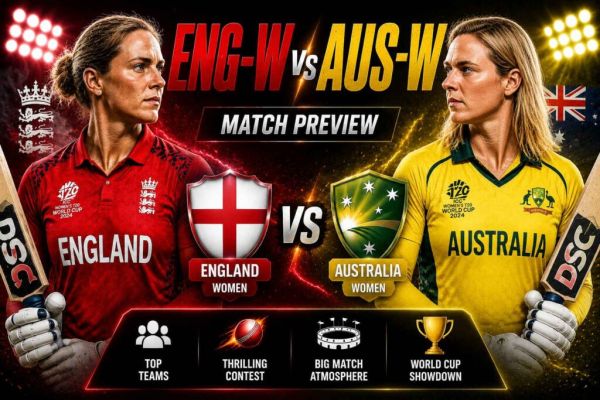
ENG w vs AUS w Dream11 Team Today: Stats, Analysis
-
Jaishankar meets Qatar PM, reviews bilateral ties and regional developments