
Many users also use WhatsApp for their office work. There are many people in the office group on WhatsApp. In such a situation, many times it takes hours to see the blue tick on the message sent to the group. A blue tick means that your message has been seen. But, many times it takes a long time for the reply of the group member for whom the message is sent to come. At the same time, if this message is important, then there remains curiosity about the reply to it.
Who has read the WhatsApp message?
Do you know, that after sending a message on WhatsApp group, it can be checked who has read the message? Yes, WhatsApp provides its users with the Message Info feature. With this feature, you can find out in a jiffy who has read your message.
How does the WhatsApp Message Info feature work?
First of all, you have to open WhatsApp.
Come to the group where you have sent the message.
Now you have to long press on this sent message.
Now you have to tap on the i button in the top bar.
Check Read By and Delivered To here.
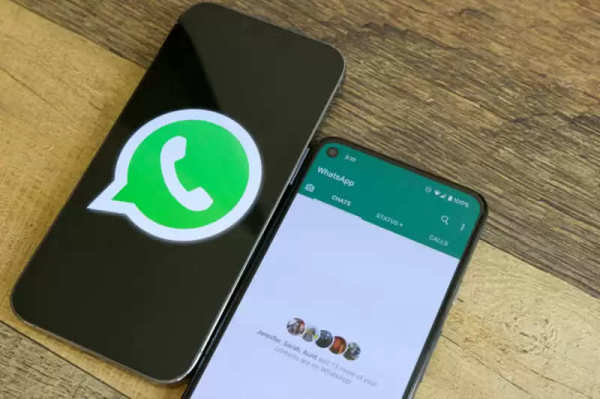
All the group members whom you can see in Read By have read the message sent to you. This message has been seen by these people.
The people whom you can see in Delivered To have not read the message. Your message has reached these users with the net on but it is yet to be seen.
-
British Hindus Lose Bid For First Temple Site As Council Awards Land To Church, Muslim Groups

-
Taylor Swift and Travis Kelce wedding: Bride arrives at Madison Square Garden; welcomed by hoots and cheers from fans - WATCH

-
Quote of the day by Selena Gomez: "I finally feel like I'm in a place where I don't need to be apologetic for every single thing that I do," when the 'Only Murders in the Building' star stepped into her most confident chapter yet

-
Taylor Swift and Travis Kelce officially MARRIED! 'JusT&T Married' message flashes on screens post wedding ceremony - PICS

-
Monsoon Hair Care: How to take care of hair after soaking in rain? These simple tips will be beneficial