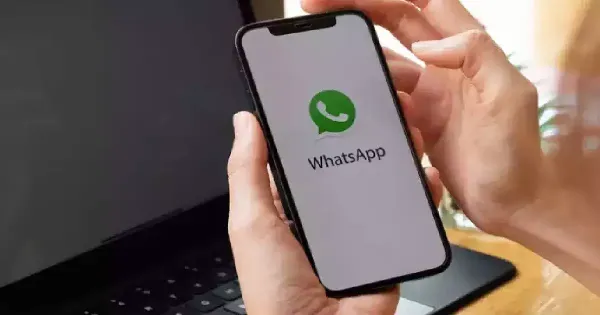
By Jitendra Jangid- In today's digital world, smartphones have become an important part of our lives and the WhatsApp app present in it has become the world's most popular instant messaging app, which has more than 3 billion users all over the world. WhatsApp users friends, Also lets you share photos and videos with family and colleagues. WhatsApp When sharing photos via, Sometimes the quality may be reduced and the image may not be sent in its original size. If you want without losing any quality WhatsApp Want to share photos on, So there's an easy way to do this. Let us know its easy process
WhatsApp open:on your phone WhatsApp Launch the app and go to the chat where you want to share the photo.
Click the paperclip icon: in the chat bar, Click on the paperclip icon, Which is used for attachment.

Select document options: from the list of options“Select “Documents” instead of “Gallery” or “Camera.”
select photo: Browse your files and select the photo you want to share in high quality.

Send photo: After selecting the photo, Click the send button. The photo will now be sent in its original size without any compression or quality loss.
by following these steps, You can easily share photos on WhatsApp in their original quality
Disclaimer: This content has been sourced and edited from (zeenews).
-
Arunachal Pradesh Launches Digitised Teacher Transfer & Posting System Under 'Reach To Teach' Initiative To Boost Transparency & Staffing Efficiency
-
Michel Danino On NCERT Judiciary Chapter Row: Says He 'Didn’t Expect' Backlash, Defends Withdrawn Section As Accurate
-
'The ruthlessness!' - Zohran Mamdani opens up on key Mikel Arteta move he initially 'opposed' as Arsenal-fan mayor praises the Premier League-winning boss’s leadership

-
Senegal’s 2026 World Cup Squad: Pape Thiaw Announces His Latest Selection for March Friendlies

-
Steve Clarke Extends Contract as Scotland Head Coach Until 2030