New Delhi: WhatsApp is the most commonly used messaging app in the world. Today it is used like any official email address.  The work from office to friendship is completed through WhatsApp. Let us know that many times we use WhatsApp to share very personal things,
 In such a situation, the safety of WhatsApp application is very important. People used third-party apps to block WhatsApp, but now you can also block any chat and group chat using WhatsApp feature. So let’s know about it …….
How to lock Whatsapp Chat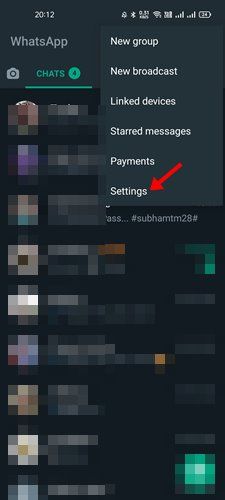
Let us know that you can lock Whatsapp in 2 ways. So the first way of this is that you lock the whole app itself and the second way is to lock only one special chat. Actually this feature is available for both Android and iOS.
Learn how to lock a chat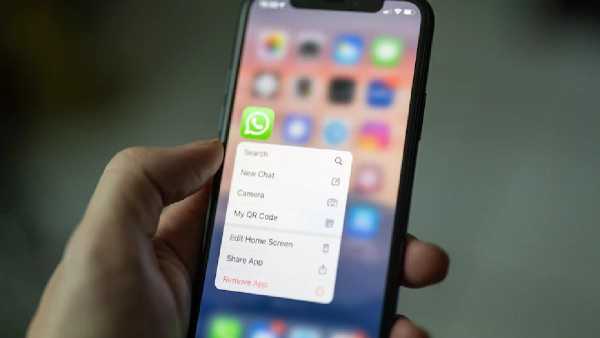
1. Open whatever contact you want to lock the chat.
2. Now tap on the name and scroll downwards.
3. Along with this, you will also see the option of Chat Lock at the bottom.
4. Now you can also lock the chat by clicking on chat lock.
5. The entire WhatsApp app can lock the app without any third party app.
Lock the entire WhatsApp app without any third party app
1. You open your Whatsapp and go to Settings.
2. Now tap on privacy in settings.
3. After that you tap on the screen lock.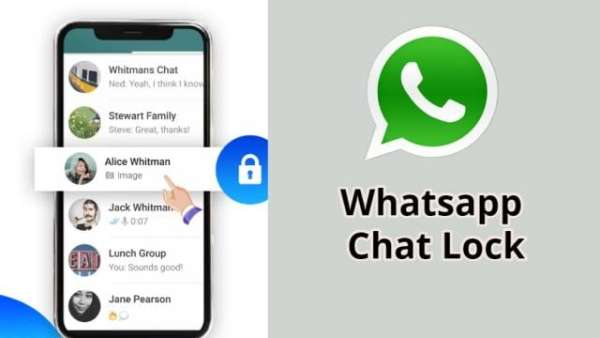
4. After this, you will be asked the option of pattern and face ID.
5. Then you select any one option from both of them at your convenience. Chanakya Niti: Never settle your house in these five places, may have to face problems in future
-
Class 8 girl dies in tragic accident after saree tied to ladder tightens around neck while playing in Chikkamagaluru

-
India to monitor Boeing fuel switch tests after Air India scare

-
Truth behind UK Eurovision's abysmal one point disaster - the acts aren't to blame

-
I played 10 hours of LEGO Batman: Legacy of the Dark Knight on Steam Deck

-
Anne Hathaway to produce new series perfect for fans of My Life with the Walter Boys